Bosch HD LCD Monitors Installing the Monitor | en 23
Bosch Security Systems, Inc. User's Manual F.01U.272.027 | 1.0 | 2012.08
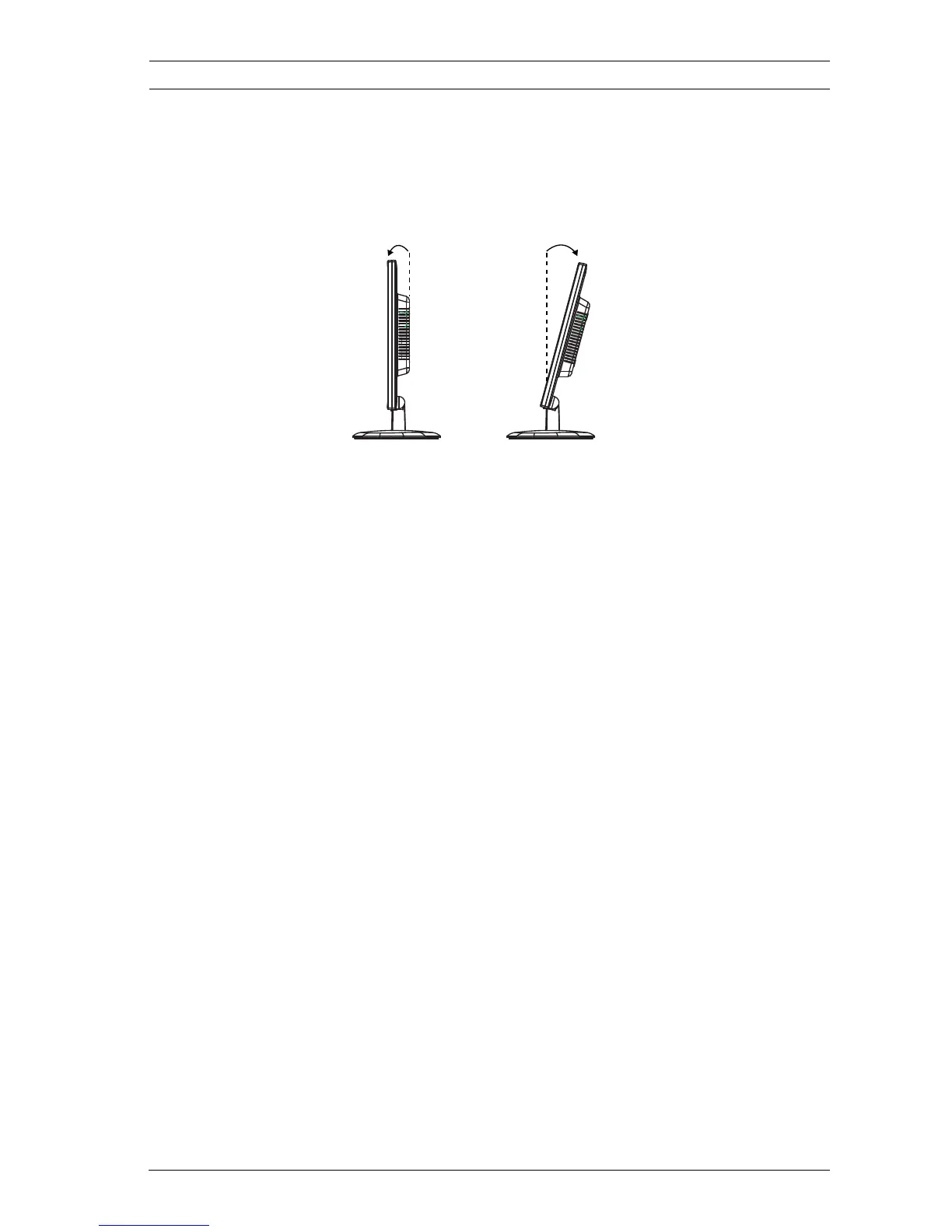
2. Position the monitor:
a. The viewing angle of the LCD can be adjusted to fit
the most comfortable viewing position. (Tilt Range: -
3°~15°)
5.3 Connecting Power
The Bosch Flat Panel CCTV monitors are delivered with a 3-pole
US-style power cord and a 3-pole Euro-style power cord. Use
the US-style power cord where 120 VAC, 60 Hz power is
available; use the Euro-style power cord where 230 VAC, 50 Hz
power is available. The monitor automatically adjusts to either
power input voltage.
5.4 Connecting Audio to the Monitor
There is one (1) set of stereo audio connectors for audio input,
located on the rear panel. This audio input is not associated
with any input terminals on the rear panel, and can be freely
connected to any audio input.
5.5 Connecting the PC Signal to the Monitor
There are three ways to connect the PC signal to the monitor:
HDMI, DVI, and VGA.
15˚-3˚



 To Next Page
 Loading...








