30 en | Navigating the Monitor Bosch HD LCD Monitors
F.01U.272.027 | 1.0 | 2012.08 User's Manual Bosch Security Systems, Inc.
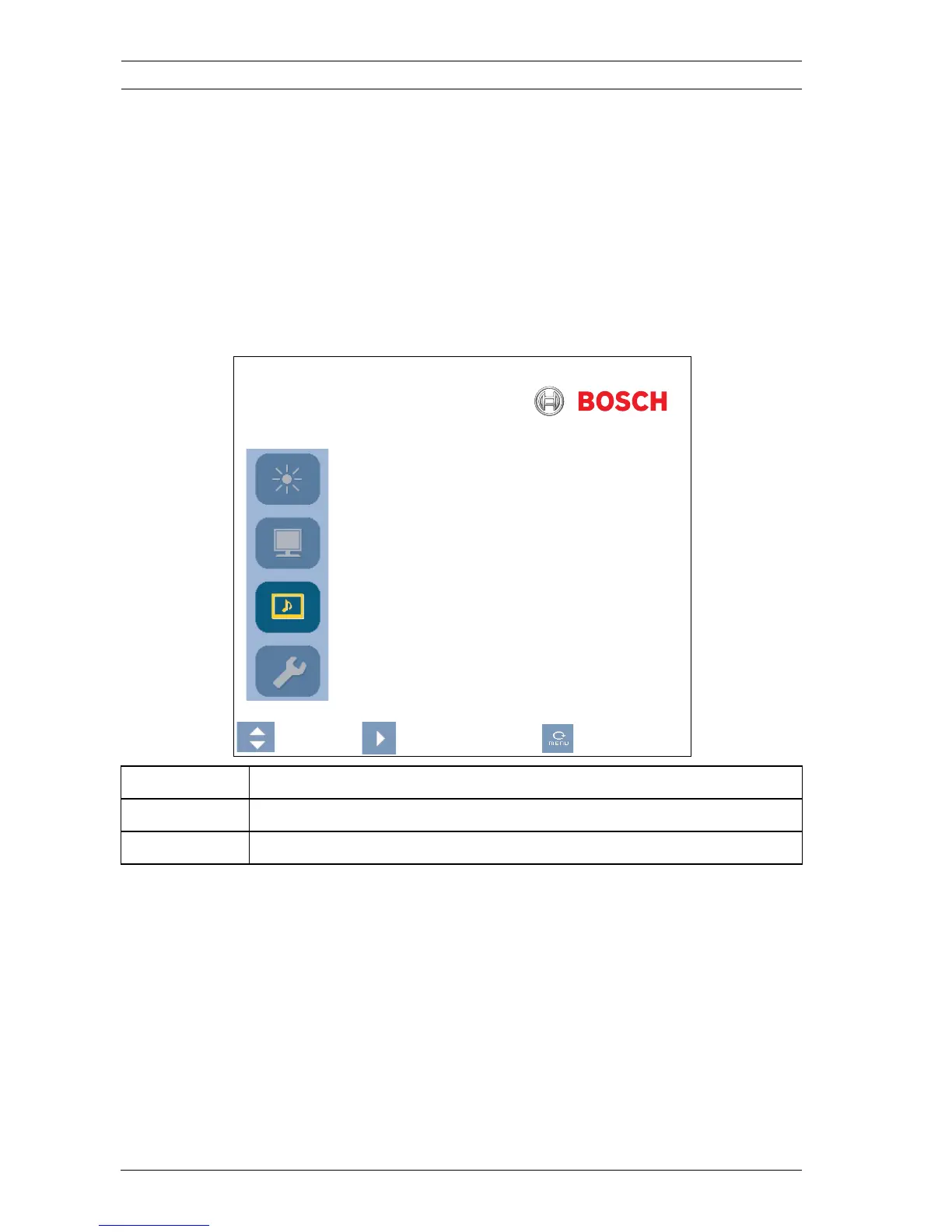
6.6 Sound Menu
To access the Sound menu, press the Menu button on the
control panel of the monitor, then press the UP and Down
arrow buttons to select the Sound icon. Press the Left arrow
button to enter the menu, and then press the Up and Down
arrow buttons to select a submenu. When finished, press the
Menu button to save any changes, then press the Menu button
again to exit the OSD.
Sound
Volume 100
Mute OFF
:Move :Select :Menu
Submenu Definition
Volume Controls the built-in speaker volume (range 0-100).
Mute Enables/disables audio. Choices are: On and Off.



 To Next Page
 Loading...








