EasyManua.ls Logo

Bosch VIA - Setting the Sleep Timer

Bosch VIA
61 pages
Print Icon
To Next Page IconTo Next Page
To Previous Page IconTo Previous Page
Loading...
Continuation
of
how
to
use
the
timer
If
you
want
to
stop
setting
the
timer
midway
through
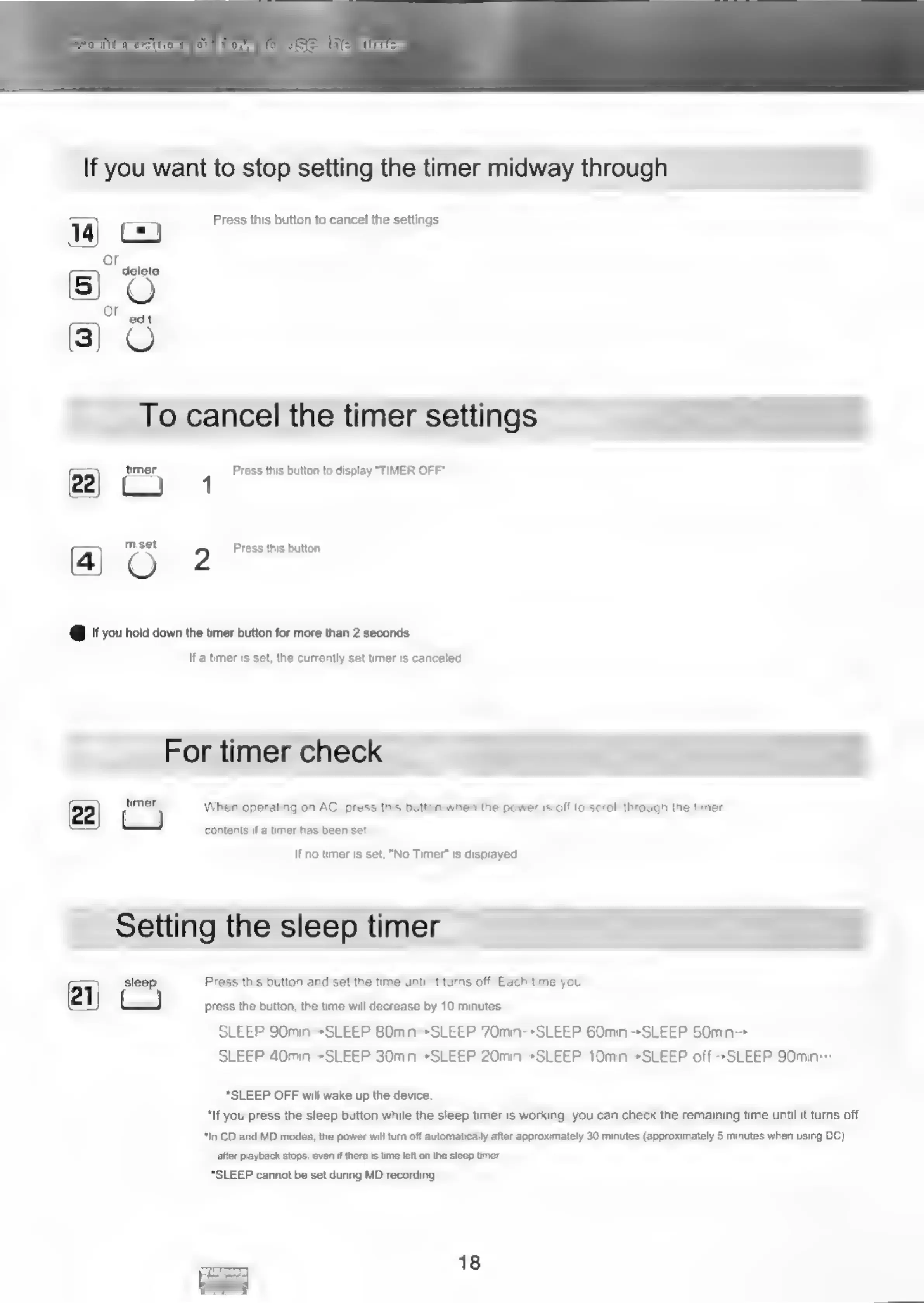
14)
ry
=
Press
this
button
to
cancel
the
settings.
or
5)
delete
edit
To
cancel
the
timer
settings
22)
timer
1
Press
this
button
to
display
"TIMER
OFF”
a)
mset
2
Press
this
button.
@
If
you
hold
down
the
timer
button
for
more
than
2
seconds
Ifa
timer
is
set,
the
currently
set
timer
is
canceled.
For
timer
check
(22|
timer
When
operating
on
AC,
press
this
button
when
the
power
is
off
to
scroll
through
the
timer
contents
if
a
timer
has
been
set.
Ifno
timer
is
set,
"No
Timer”
is
displayed.
Setting
the
sleep
timer
21)
sleep
Press
this
button
and
set
the
time
until
it
turns
off.
Each
time
you
-
press
the
button,
the
time
will
decrease
by
10
minutes.
SLEEP
90min-*SLEEP
80min--SLEEP 70min--SLEEP 60min-*SLEEP
50min->
SLEEP
40min-»SLEEP
30min-*SLEEP
20min-*SLEEP
10min-»SLEEP
off-*SLEEP
90min:
“SLEEP
OFF
will
wake
up
the
device.
*If
you
press
the
sleep
button
while
the
sleep
timer
is
working,
you
can
check
the
remaining
time
until
it
turns
off.
"In
CD
and
MD
modes,
the
power
will
turn
off
automatically
after
approximately
30
minutes
(approximately
5
minutes
when
using
DC)
after
playback
stops,
even
if
there
is
time
left
on
the
sleep
timer.
*SLEEP
cannot
be
set
during
MD
recording.
18
ees

Related product manuals