EasyManua.ls Logo

Bosch VIA - Scan Tuning

Bosch VIA
61 pages
Print Icon
To Next Page IconTo Next Page
To Previous Page IconTo Previous Page
Loading...
Tuner
(radio)
operation
continued
scan
tuning
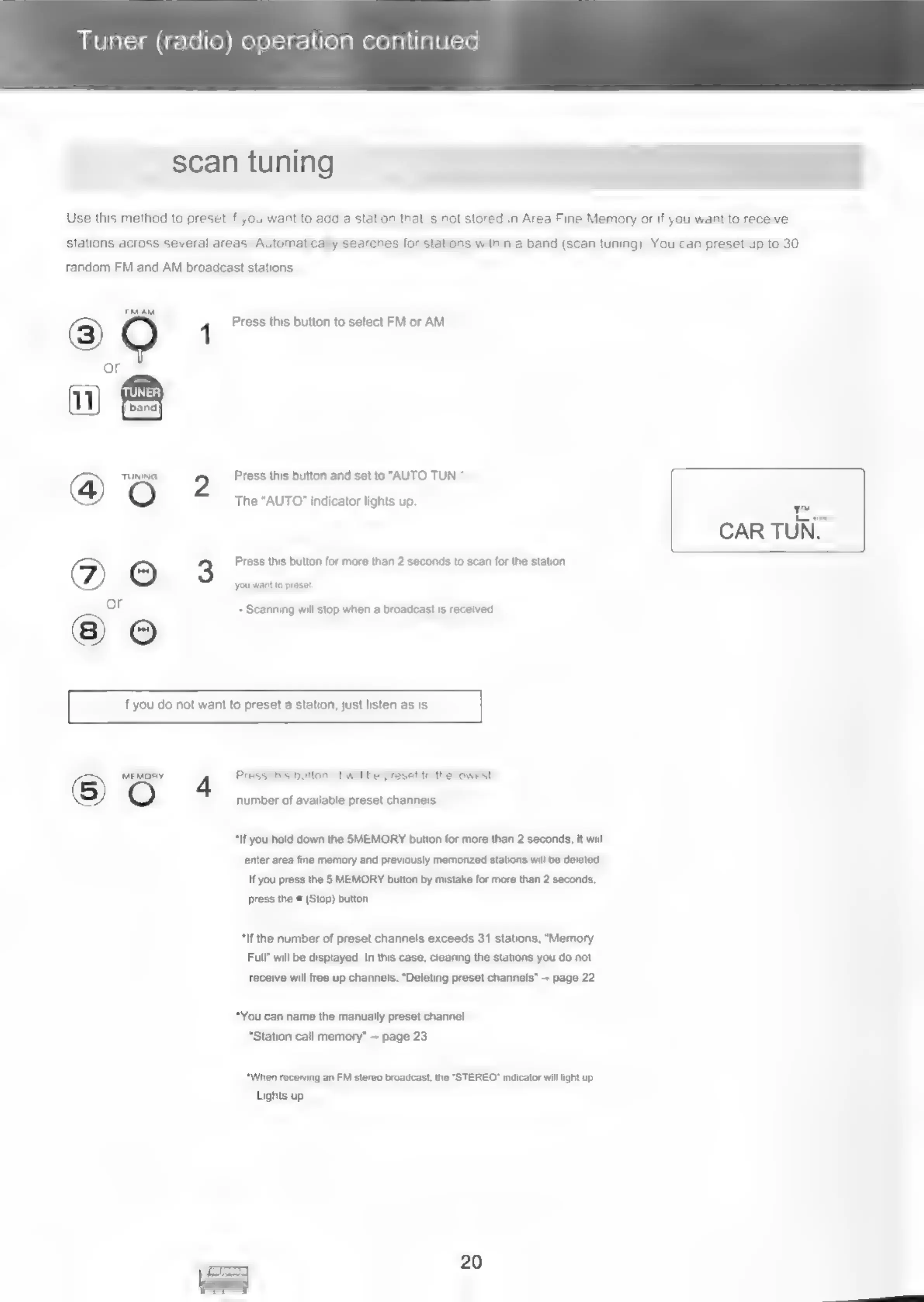
Use
this
method
to
preset
if
you
want
to
add
a
station
that
is
not
stored
in
Area
Fine
Memory
or
if
you
want
to
receive
stations
across
several
areas.
Automatically
searches
for
stations
within
a
band
(scan
tuning).
You
can
preset
up
to
30
random
FM
and
AM
broadcast
stations.
3)
QO
1
Press
this
button
to
select
FM
or
AM.
or
11)
TUNER)
a)
@)
TUNING
ee.
Press
this
button
and
set
to
"AUTO
TUN."-
A
Oo
The
"AUTO"
indicator
lights
up
y™
*
CAR
TUN.
(©)
©
3
Press
this
button
for
more
than
2
seconds
to
scan
for
the
station
or
you
want
to
proset
If
you
do
not
want
to
preset
a
station,
just
listen
as
is.
-
Scanning
will
stop
when
a
broadcast
is
received.
©
MEMORY
4
Press
this
button,
It
will
be
preset
to
the
lowest
number
of
available
preset
channels.
“If
you
hold
down
the
SMEMORY
button
for
more
than
2
seconds,
it
will
enter
area
fine
memory
and
previously
memorized
stations
will
be
deleted.
If
you
press
the
5
MEMORY
button
by
mistake
for
more
than
2
seconds,
press
the
=
(Stop)
button
*if
the
number
of
preset
channels
exceeds
31
stations,
“Memory
Full”
will
be
displayed.
In
this
case,
clearing
the
stations
you
do
not
receive
will
free
up
channels.
“Deleting
preset
channels”
+
page
22
*You
can
name
the
manually
preset
channel.
“Station
call
memory”
~
page
23
“When
receiving
an
FM
stereo
broadcast,
the
“STEREO”
indicator
will
light
up.
Lights
up.
20

Related product manuals