EasyManua.ls Logo

Bosch VIA - About the Display; Battery Indicator

Bosch VIA
61 pages
Print Icon
To Next Page IconTo Next Page
To Previous Page IconTo Previous Page
Loading...
Continuation
of
common
operations
To
turn
off
the
power
of
this
unit
To
turn
off
the
power
of
this
unit
When
the
power
is
on,
press
the
©POWER
button
on
the
main
unit
or
the
POWER
button
on
the
remote
control
to
turn
off
the
power
to
the
device.
*The
power
will
turn
off
automatically
if
you
do
not
press
any
button
for
about
30
minutes.
If
you
are
using
the
battery,
the
power
will
turn
off
after
about
5
minutes.
However,
during
REC
pause
or
REC
ready
in
MD
mode,
or
pause
in
CD
mode,
the
power
will
not
tur
off
even
if
you
do
nothing
for
30
minutes.
4Caution
When
playing
CDs
or
MDs,
be
sure
to
stop
them
and
turn
them
off.
About
the
display
The
display
(LCD
panel)
of
this
machine
shows
the
status
of
each
operation
*The
backlight
of
the
display
turns
on
only
when
using
AC
power.
@Caution
The
display
during
each
operation
is
explained
on
the
related
page.
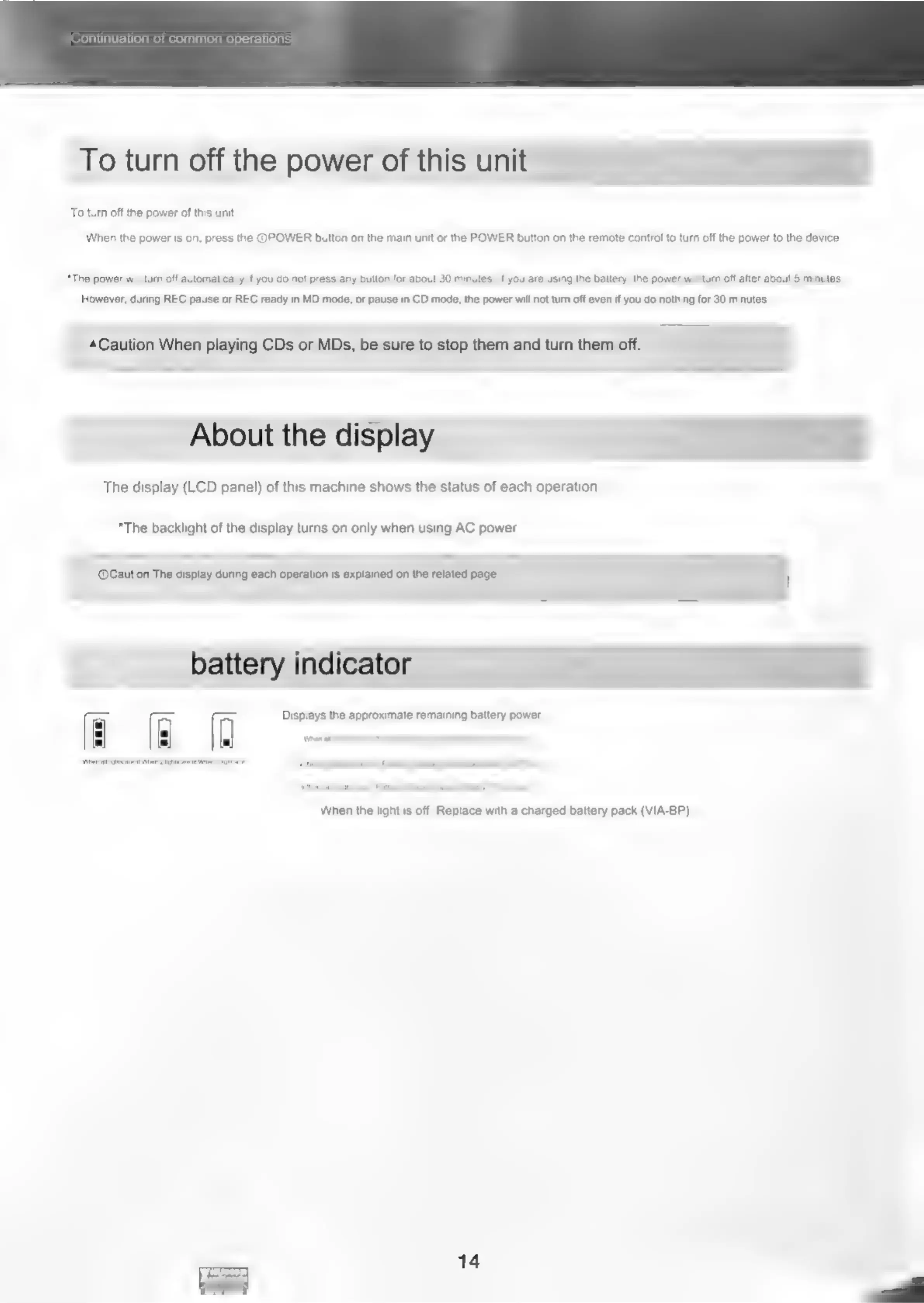
battery
indicator
Displays
the
approximate
remaining
battery
power.
Ce
oe
When
the
light
is
off:
Replace
with
a
charged
battery
pack
(VIA-BP)
14

Related product manuals