EasyManua.ls Logo

Bosch VIA - Microphone Operation

Bosch VIA
61 pages
Print Icon
To Next Page IconTo Next Page
To Previous Page IconTo Previous Page
Loading...
Microphone
operation
Preparing
to
use
the
microphone
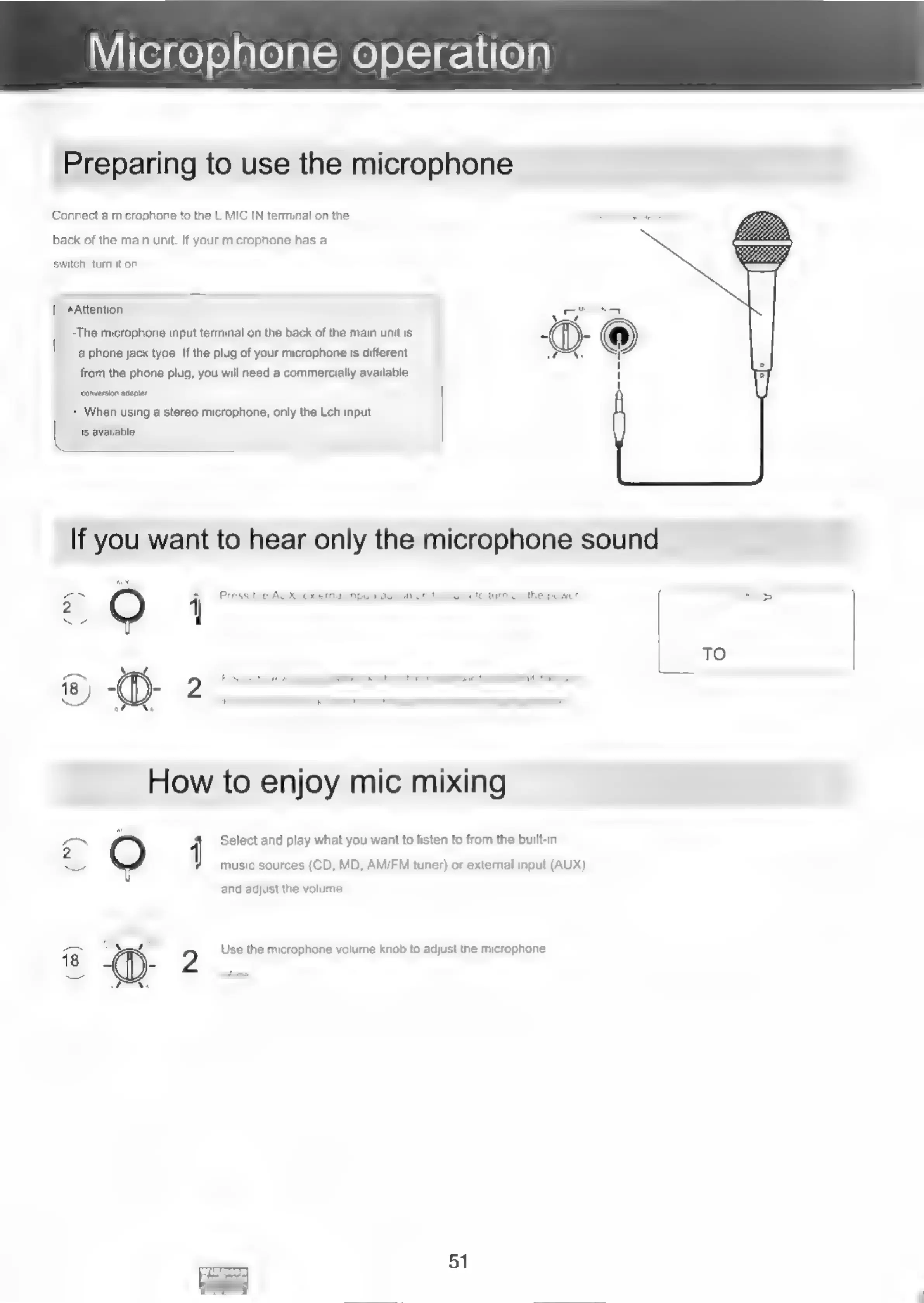
Connect
a
microphone
to
the
L
MIC
IN
terminal
on
the
back
of
the
main
unit.
If
your
microphone
has
a
switch,
turn
it
on.
|
Attention
-The
microphone
input
terminal
on
the
back
of
the
main
unit
is
a
phone
jack
type.
If
the
plug
of
your
microphone
is
different
from
the
phone
plug,
you
will
need
a
commercially
available
‘conversion
adaptor,
|
+
When
using
a
stereo
microphone,
only
the
Leh
input
is
available.
a
O
j
Press
the
AUX
(external
input)
button
on
this
unit
to
turn
on
the
power,
A
TO
®)
D-
Beene
eeaeen
ome
How
to
enjoy
mic
mixing
con
-
4
Select
and
play
what
you
want
to
listen
to
from
the
built-in
2
music
sources
(CD,
MD,
AM/FM
tuner)
or
external
input
(AUX)
and
adjust
the
volume.
2
Use
the
microphone
volume
knob
to
adjust
the
microphone
51

Related product manuals