EasyManua.ls Logo

Bosch VIA - To Play Repeatedly

Bosch VIA
61 pages
Print Icon
To Next Page IconTo Next Page
To Previous Page IconTo Previous Page
Loading...
Continued
CD
player
operation
To
play
repeatedly
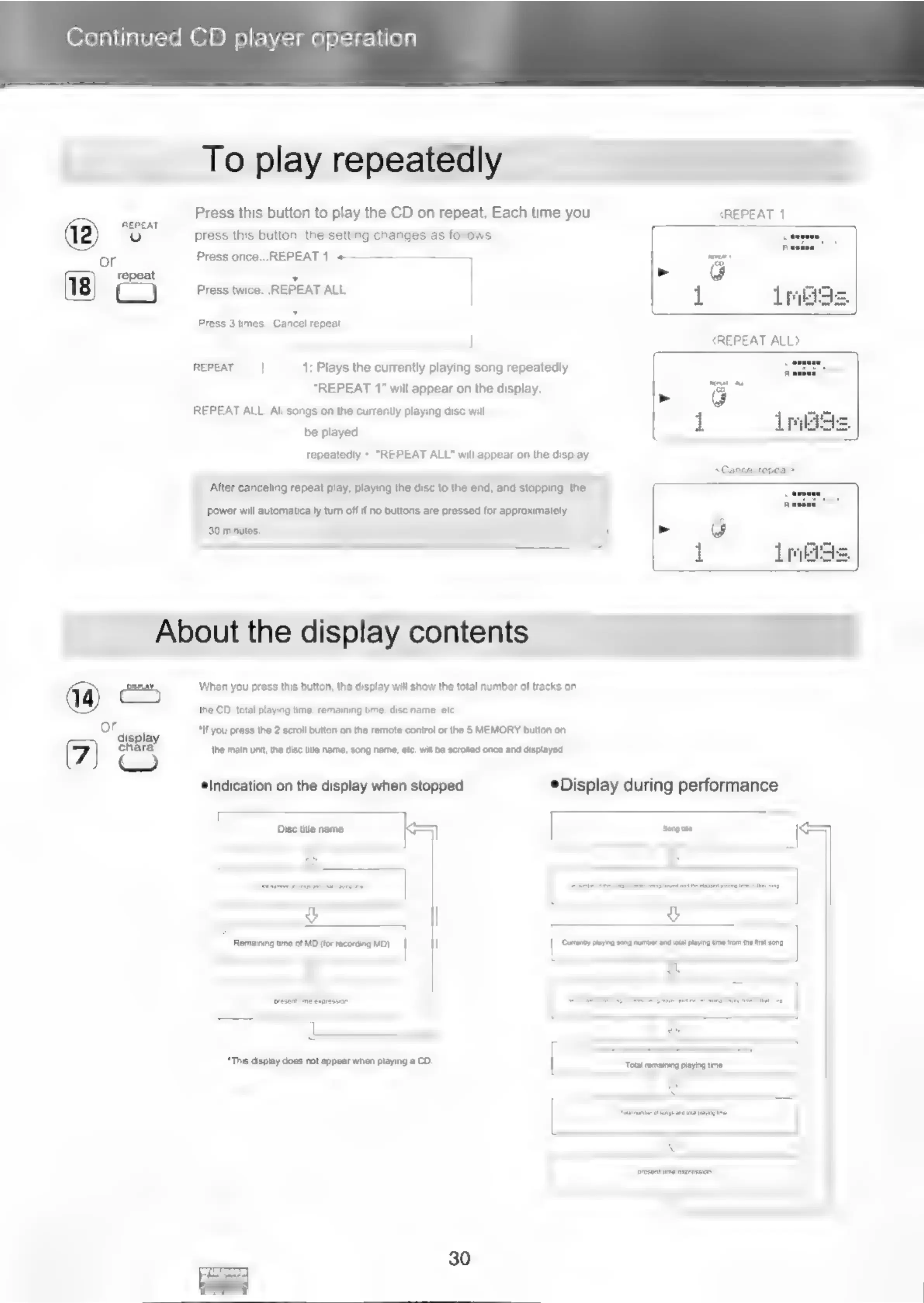
Press
this
button
to
play
the
CD
on
repeat.
Each
time
you
REPEAT
1
REPEAT
————
(12)
(e)
press
this
button,
the
setting
changes
as
follows.
or
Press
once...REPEAT
1
«
cows
=
Press
twice...
REPEAT
ALL
%
he
a)
ress
twice.
1
imee
Press
3
times...Cancel
repeat
:
REPEAT
ALL>
REPEAT
1:
Plays
the
currently
playing
song
repeatedly.
“REPEAT
1”
will
appear
on
the
display.
=
REPEAT
ALL:
All
songs
on
the
currently
playing
disc
will
be
played
i
repeatedly.
"REPEAT
ALL"
will
appear
on
the
display.
‘After
canceling
repeat
play;
playing
the
disc
to
the
end,
and
stopping,
the
power
will
automatically
tum
off
if
no
buttons
are
pressed
for
approximately
30
minutes,
>
About
the
display
contents
em
When
you
press
this
button,
the
display
will
show
the
total
number
of
tracks
on
the
CD,
total
playing
time,
remaining
time,
disc
name,
et.
or
“If
you
press
the
2
scroll
button
on
the
remote
control
or
the
§
MEMORY
button
on
display
4
chara.
the
main
unit,
the
disc
title
name,
song
name,
etc. will
be
scrolled
once
and
displayed,
Indication
on
the
display
when
stopped
®Display
during
performance
5
a
SS
Disc
title
name
KS)
Song
ie
<=)
g
:
7
Remaining
time
of
MD
(for
recording
MD)
}
“Cumenty
staying
song
number
and
otal
paying
time
fom
the
first
song
“This
display
does
not
appear
when
playing
a
CD.
Fuad
frvahteg
Gah
te
30

Related product manuals