18 en | Configuration VIDEOJET decoder 7000
2019.10 | v01 | F.01U.345.382 Installation manual Bosch Securtity Systems B.V.
6.4 Configuring the decoder with Configuration client
For detailed information on the Configuration Client, refer to the BVMS Professional
documentation.
To configure a decoder:
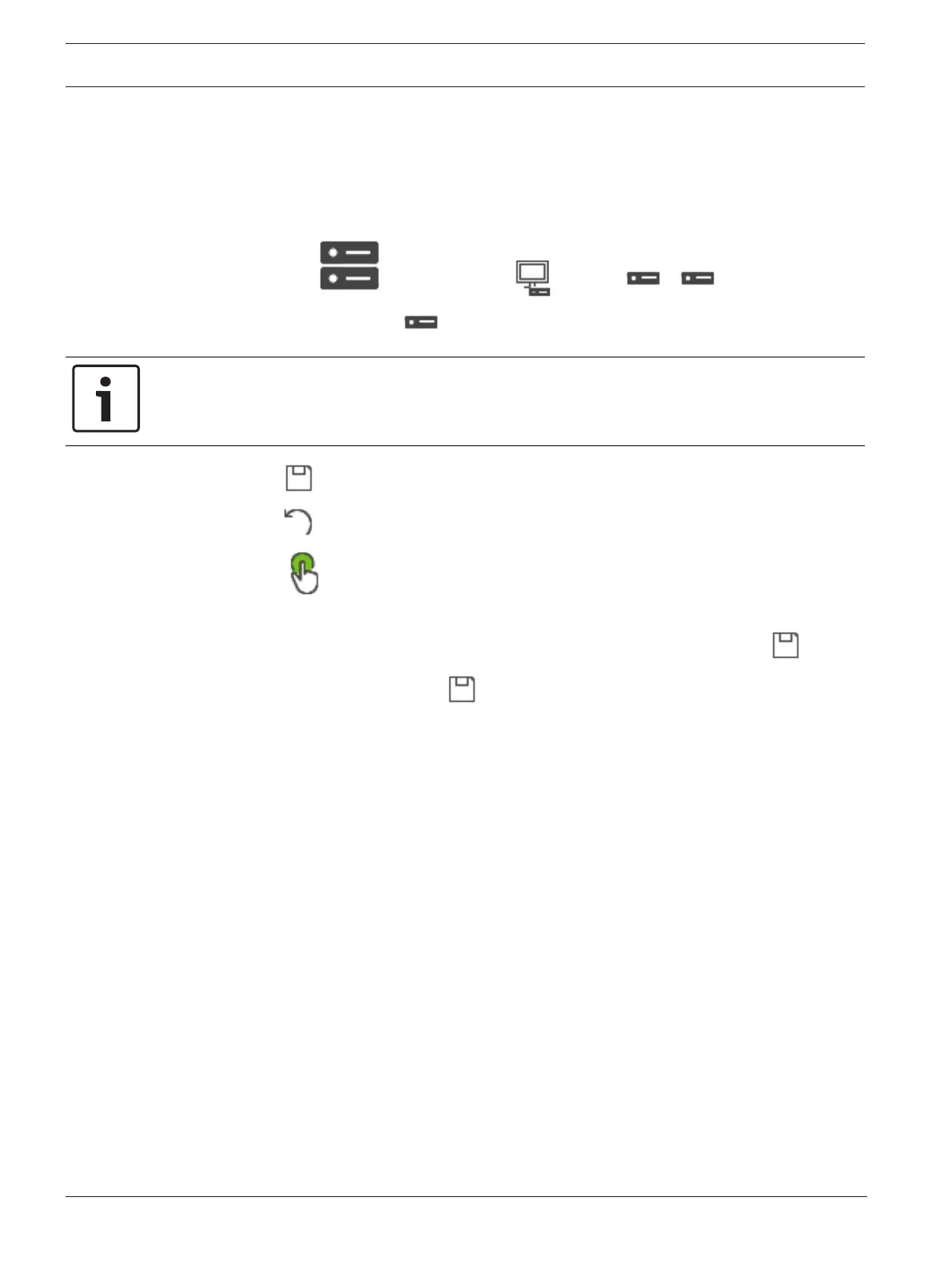
Main window > Devices > Expand > Expand >
See the Online Help for the pages for details.
Notice!
IP devices can be connected that do not have all configuration pages that are described here.
– Click to save the settings.
– Click to undo the last setting.
– Click to activate the configuration.
Most of the settings on the decoder pages are active immediately after you click . If you
click another tab without clicking and changes have occurred, two corresponding
message boxes are displayed. Confirm them both if you want to save.
To display the device in a Web browser right-click the device icon and click Show webpage in
browser.



 To Next Page