VIDEOJET decoder 7000 Connection | en 13
Bosch Security Systems B.V.
Installation manual
2024-11 | V01 | F.01U.420.692
5.6 Power on/power off
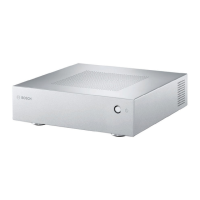
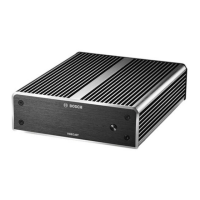
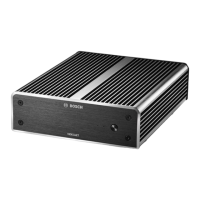
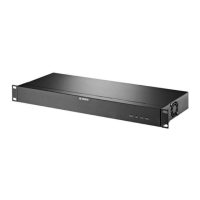
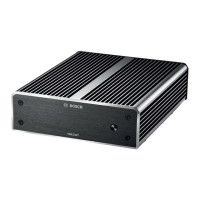
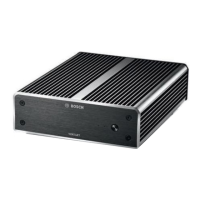
The decoder is equipped with a power switch on its front panel.
The decoder automatically starts up when connected to mains power. The blue LED on the
front next to the switch lights up. During the boot process, the orange LED flashes.
4 Switch on the monitor in order to see the user interface after the boot-up procedure.
After initial power-up you may use the power switch to turn the unit on or off.
All information regarding the functions and the operation can be found in the relevant
documentation of MonitorWall, BVMS, or VideoClient.


 To Next Page
 Loading...