8 en | Operation IP Matrix operation with KBD-UXF
2023-03 | V02 | DOC
Operation manual
Bosch Security Systems B.V.
7 Shuttle ring
In Live mode: Use to select a certain
monitor in a multi-monitor view.
In playback mode: Use to increase or
decrease the playback speed factor.
8 Jog dial
Use to scroll through monitors.
4.2 Key description
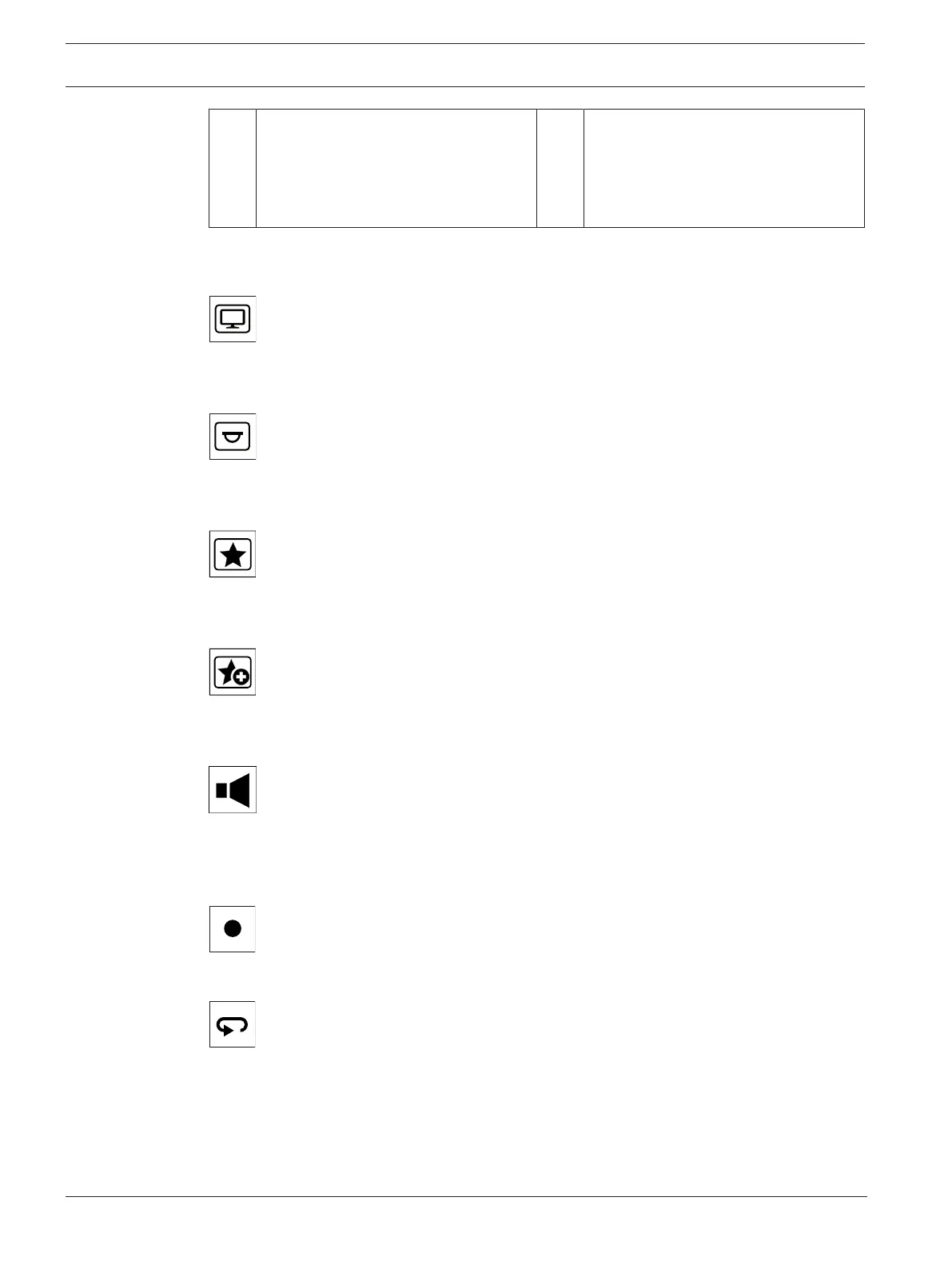
The following list shows the icons on the keyboard and their respective function.
Displays monitor numbers and decoder IP addresses
4 Press the key to display the monitor numbers and decoder IP addresses as overlay on the
monitors.
Displays camera numbers and camera IP addresses
4 Press this key to display the camera numbers and camera IP addresses as overlay on the
monitors.
Calls-up favorites. Maximum 9favorites are available.
4 Press the key, enter the number using the number keys, then click OK.
Note: The layouts and camera connections on all displays are re-established.
Saves up to 9favorites.
4 Press the key, enter the number using the number keys, then click OK.
Note: The layouts and camera connections on all displays are saved.
Turns audio on/off
4 Press the key to turn audio on/off. This applies only to the monitor in the top left of the
screen.
Note: Blinking indicates that the function is enabled.
Starts/stops recording.
Not supported yet.
Switches the keyboard to left-hand use and back.
The key assignment is rotated by 180 degrees.
4 Press the key, then click OK.
Note: You must also rotate the printed keyboard inlay with the key labeling by 180 degrees.



 To Next Page