34
|
ENG
BLUETOOTH CONNECTIONS
CONNECT YOUR MOBILE DEVICE
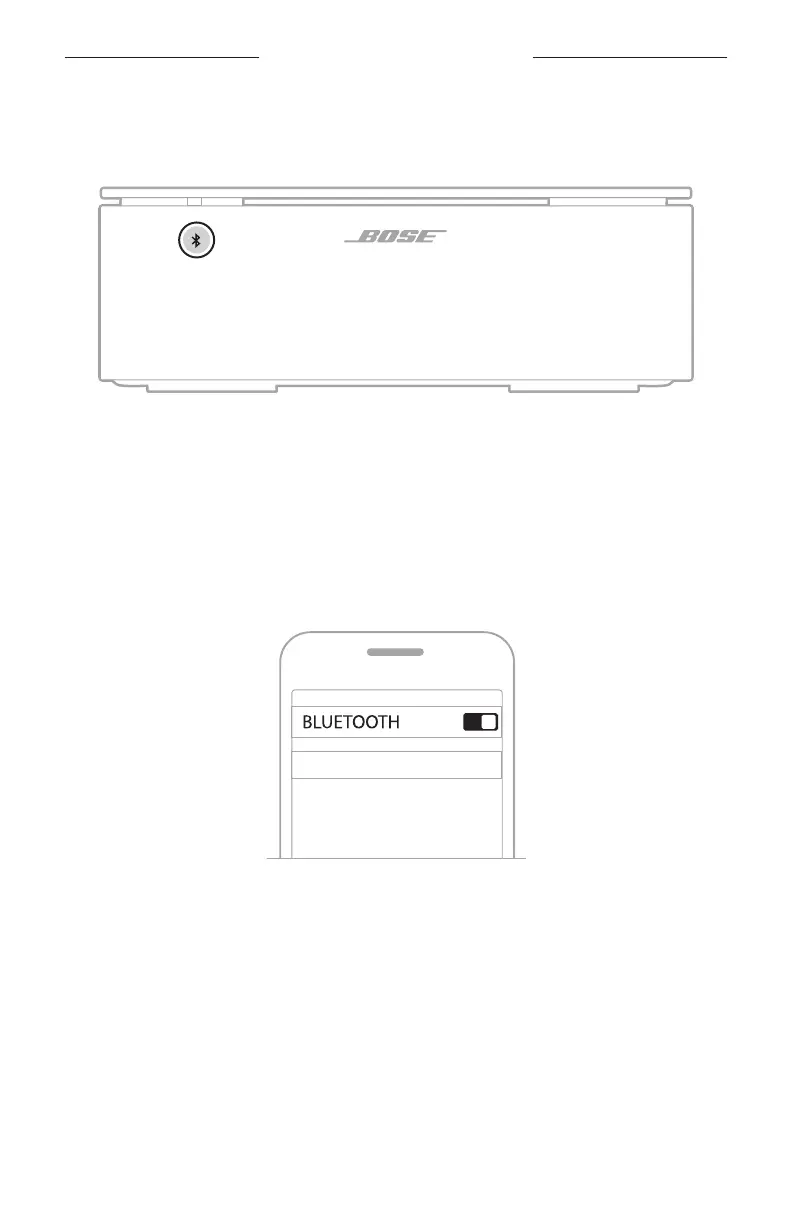
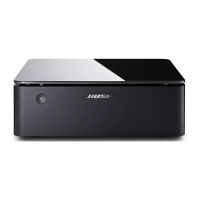
1. Press the Bluetooth button l on the front of the Main amplifier.
The light on the front of the amplifier slowly blinks blue.
2. On your mobile device, turn on the Bluetooth feature.
NOTE: The Bluetooth menu is usually found in the Settings menu.
3. Select your amplifier from the device list.
NOTE: Look for the name you entered for your amplifier in the Bose Music app. If
you didn’t name your amplifier, the default name appears.
Bose Music Amplier
Once connected, the light on the front of the amplifier glows solid blue then fades
to black. The amplifier’s name appears in the mobile device list.


 To Next Page