CARE AND MAINTENANCE
43
|
ENG
CARE AND MAINTENANCE
UPDATE THE AMPLIFIER
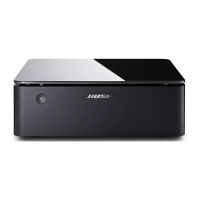
Main amplifier
The Main amplifier updates automatically when connected to the Bose Music app and
your Wi-Fi network.
Supplemental amplifier
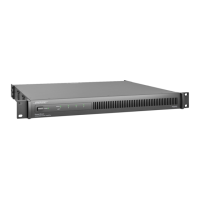
1. Flip switch A up to set it to a Main amplifier.
2. Add the amplifier to the Bose Music app (see page 24).
The amplifier updates automatically. When the update is complete, the light on the
back of the amplifier glows solid white.
3. Flip switch A down to revert it back to a Supplemental amplifier.
CLEAN THE AMPLIFIER
Clean the surface of the amplifier with a soft, dry cloth.
Use a brush attachment on a vacuum cleaner to clean the hard-to-reach areas.
CAUTIONS:
• Disconnect the power cord from the AC (mains) power outlet before cleaning.
• Do NOT use any sprays near the amplifier. Do not use any solvents, chemicals, or
cleaning solutions containing alcohol, ammonia or abrasives.
• Do NOT allow liquids to spill into any openings.
REPLACEMENT PARTS AND ACCESSORIES
Replacement parts and accessories can be ordered through Bose customer service.
Visit: support.Bose.com/BMAsupport.Bose.com/BMA
LIMITED WARRANTY
The amplifier is covered by a limited warranty. Visit our website at
worldwide.Bose.com/Warrantyworldwide.Bose.com/Warranty for details of the limited warranty.
To register your product, visit worldwide.Bose.com/ProductRegistrationworldwide.Bose.com/ProductRegistration for
instructions. Failure to register will not aect your limited warranty rights.


 To Next Page