AMPLIFIER STATUS
39
|
ENG
ADVANCED FEATURES
DISABLE/ENABLE WI-FI CAPABILITY
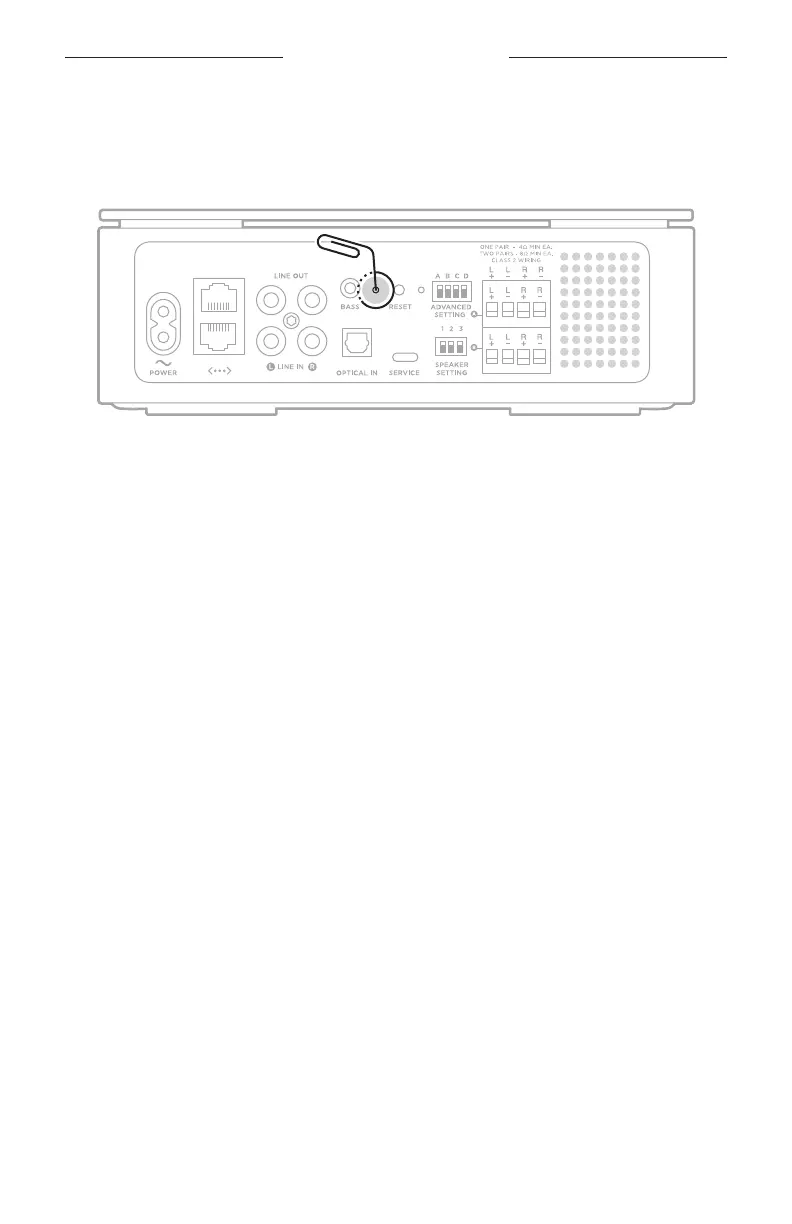
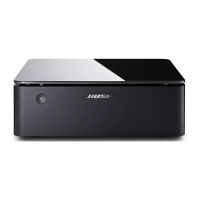
Insert a thin paperclip into the hole on the back of the amplifier and press and hold for
2 seconds until the light on the back of the amplifier blinks white 3 times.
NOTE: Disabling/enabling Wi-Fi capability also disables/enables the
Bluetooth feature.
OVERLOAD PROTECTION
The amplifier’s overload protection feature automatically reduces maximum
power output to prevent the amplifier from getting too hot. This may occur when the
amplifier plays at high volume for a long duration or if it is installed in a location with
limited ventilation. Full maximum output automatically returns as the amplifier
cools down.


 To Next Page