8
|
ENG
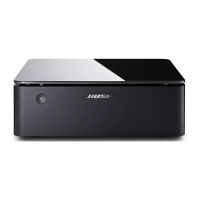
To view the license disclosures that apply to the third-party software packages included as components of your Bose
Music Amplifier product:
1. On the amplifier, press and hold the Bluetooth button l and Reset button for 15 seconds.
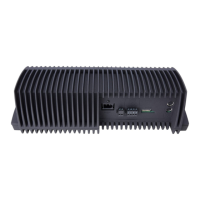
2. Connect a USB cable to the SERVICE connector on the back of the amplifier.
3. Connect the other end of the cable to a computer.
4. On the computer, enter
http://203.0.113.1/opensource
in a browser window to display the EULA and license disclosure.
LICENSE DISCLOSURES


 To Next Page