7
Feature Names and Functions
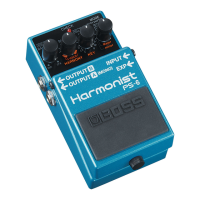
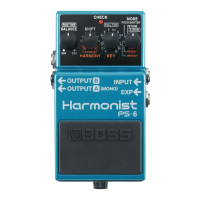
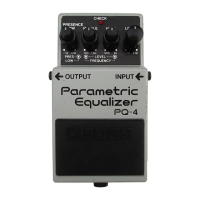
2. CHECK Indicator
Combination indicator that shows the ef-
fect’s on/off status, tempo (in Tempo
mode: p. 13), and Battery Check function.
The indicator is lit when the effect is on,
thereby allowing you to check whether
the effect is on or off.
* If the indicator dims when the effect is on
or when the tempo is being displayed, it
means that the battery is running out of
reserve; when this occurs, replace with
fresh batteries. For instructions on
changing the batteries, refer to
“Changing the Battery” (p. 17).
* The CHECK indicator shows whether the
effect is being applied or not, and is used to
indicate other effects. It does not indicate
whether the power to the device is on or not.
3. OUTPUT Jack
This output jack is connected to an ampli-
fier or other effects device.
4. INPUT Jack
This jack accepts input signals (coming
from a guitar, some other musical instru-
ment, or another effects unit).
* When a battery is used, the INPUT jack
also functions as a power switch. When a
plug is inserted into the INPUT jack, the
power will be turned on. When the plug is
pulled out, the power will be turned off.
When you are not using the unit, pull the
plug out of the INPUT jack.



 To Next Page