Various Settings
17
Setting the Maximum Value of MEMORY (MEMORY EXTENT)
Here’s how to set the maximum value for the selectable memories.
1.
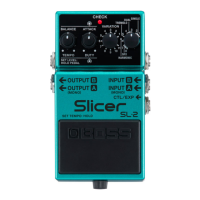
Press and hold down the [TAP] switch, and turn on the power.
2.
Turn the [MODE SELECTOR] knob to the “1” setting.
3.
Use the [MEMORY] button to set the maximum value.
4.
Press the [TAP] switch to exit the settings.





 To Next Page