2322
DIGITAL WATCHES
Digital Chronograph Models
DIGITAL WATCHES
Models with simple digital display
Time setting
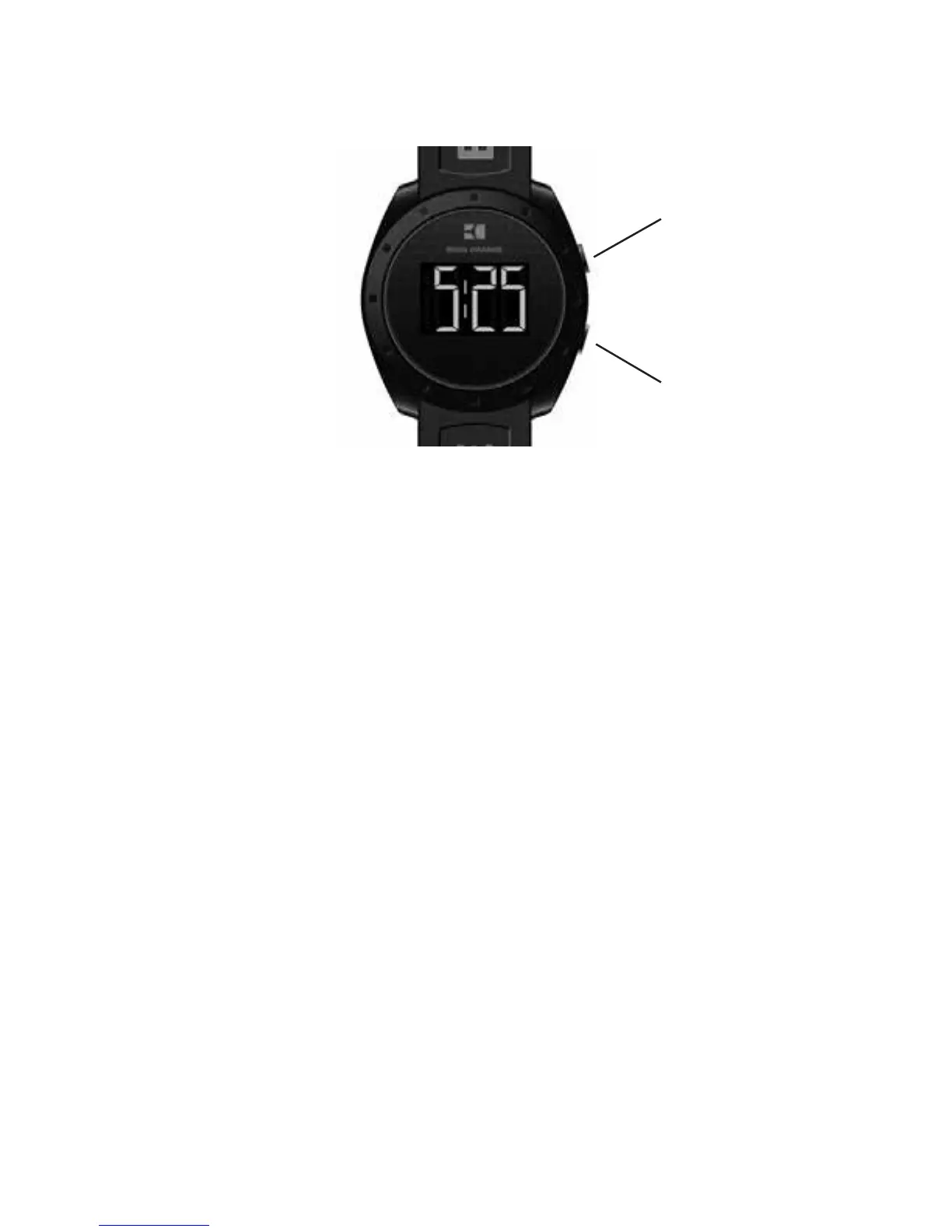
Press button A twice to enter time setting mode which follows this sequence: Month –> Day –> Hours –>
Minutes. The active display field will flash.
Press button B to adjust the digits displayed in the active field.
Press button A to confirm the display setting; then press B to advance to the next setting field. When done, press
button A to exit setting mode.
B - MODE
A - SET



 To Next Page