4
WATCHES WITH SIMPLE FUNCTIONS
2-Hand or 3-Hand Models with Date Display
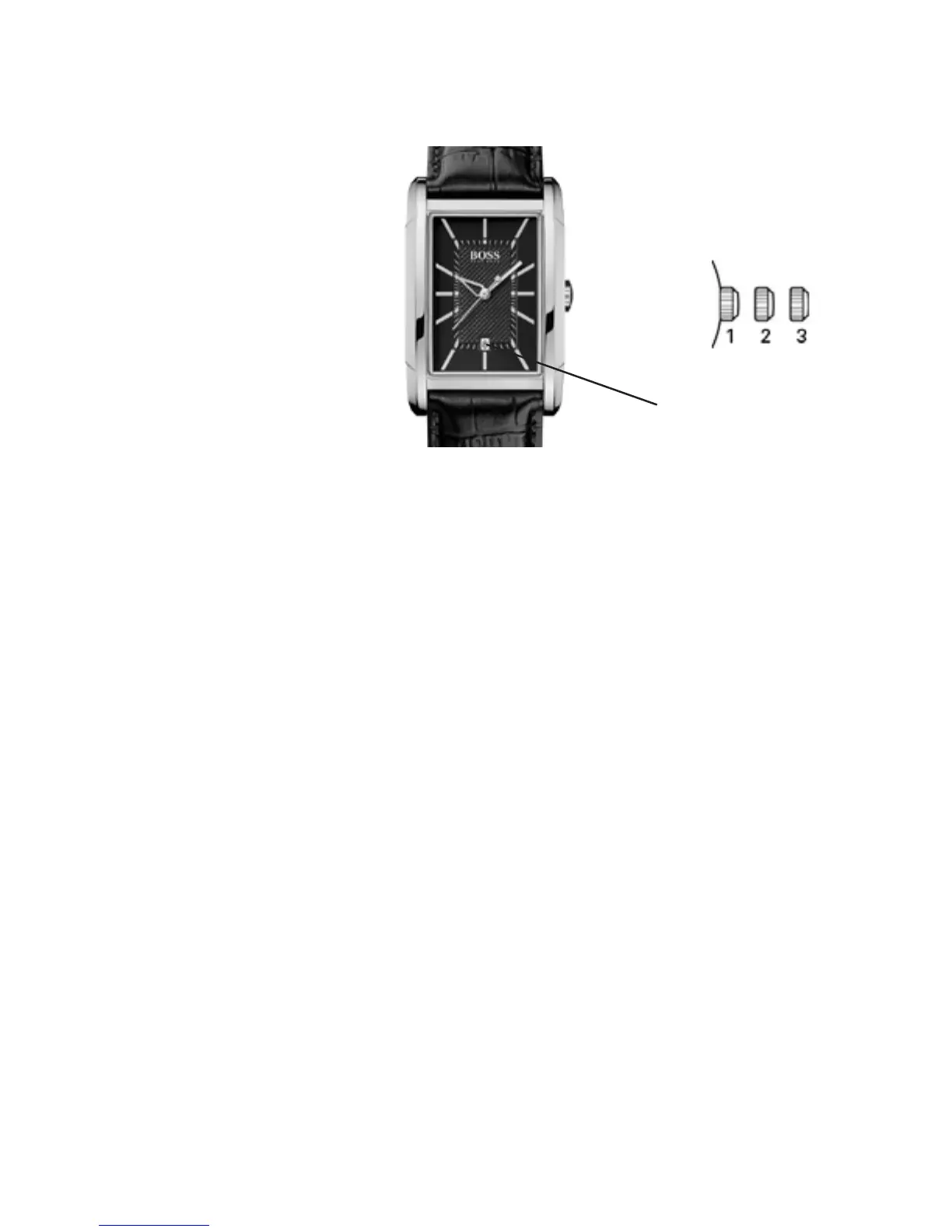
Date
Positions of the crown:
Position 1 - Normal position.
Crown pushed against the case.
Position 2 - Setting the DATE:
Rotate the crown clockwise.
Position 3 - Setting the TIME:
Rotate the crown in either direction.
NOTE: Setting the date does not affect the working of
the watch. When the watch is working, the date changes
gradually during the period between 9:00 pm and 3:00 am.



 To Next Page