5
WATCHES WITH SIMPLE FUNCTIONS
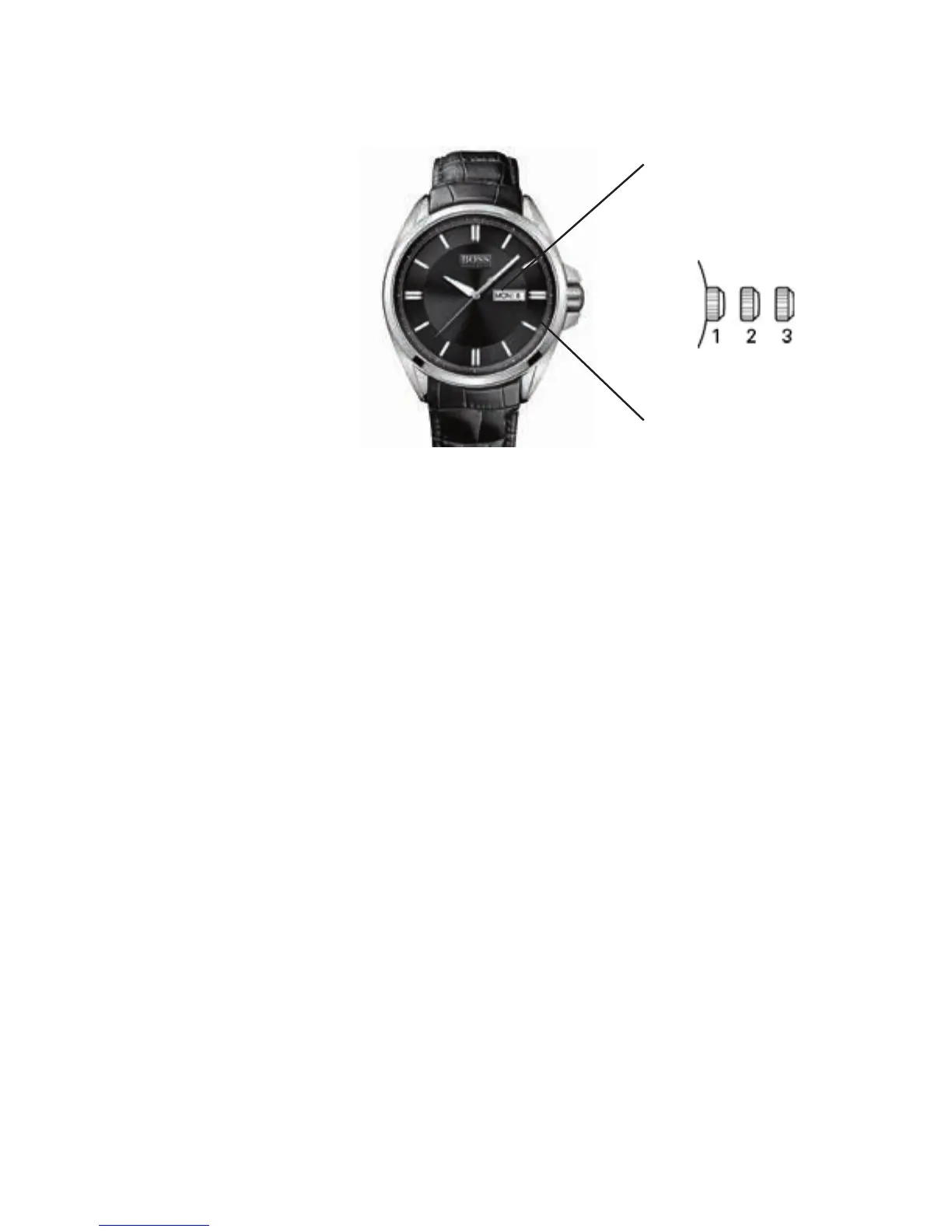
3-Hand Models with Day / Date Display
Day of the week
Date
Positions of the crown:
Position 1 - Normal position.
Crown pushed against the case.
Position 2 - Setting the DATE and DAY of week*:
Rotate the crown clockwise to set the DATE and
counterclockwise to set the DAY of week.
NOTE: The DAY of week can be set up in
English or Spanish. When rotating the crown
counterclockwise, the English version first
appears and if you move the crown forward to
the next step the word will be Spanish. To choose
a language, just select it when rotating the crown
and push the crown back to position 1. It will
remain in the selected language.
Position 3 - Setting the TIME:
Rotate the crown in either direction.
*WARNING: Never set the DAY of week when the hands
are between 9:00 pm and 4:00 am to avoid damage to the
calendar mechanism.
NOTE: It will be necessary to adjust the DATE on the first day
of any month following one with fewer than 31 days.



 To Next Page