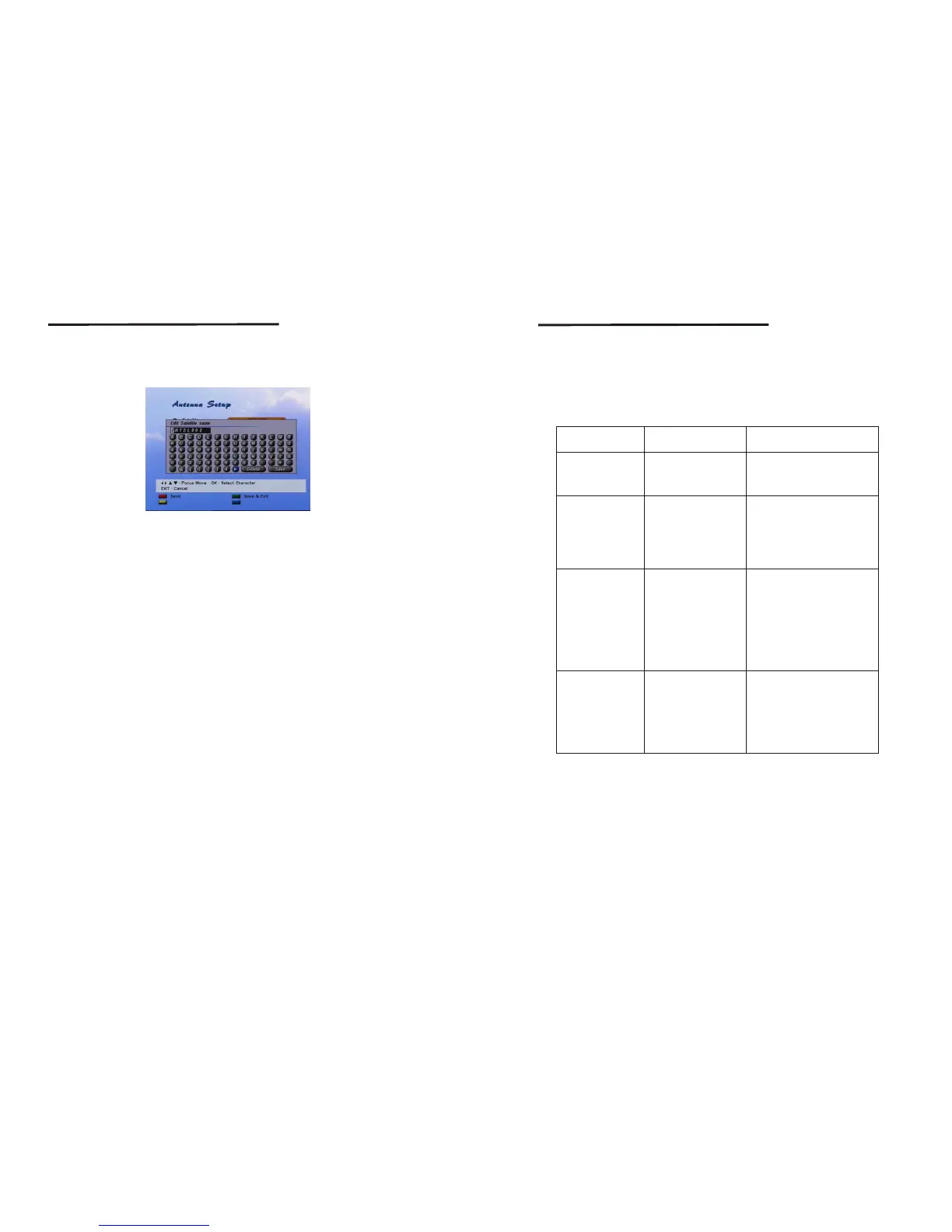
The name editing is the same for each menu. You can change the following names;
Channel name, Favorite Group name and Satellite name.
Use the Left/Right/Up/Down button to move keypad cursor to the character you wish
to input. After you select a character on keypad press OK, then the character in the
name box is replaced(or inputted) with the character.
To move character input position of the name box, select <or> character on the keypad.
If you completed editing move keypad cursor 'Save' key and press OK button.
<screen 35>
4.9 Name Edit
24
25
Setting and Operations
A.1 Trouble Shooting
There may be various reasons for the abnormal operation of the receiver.
Check the receiver according to the procedures shown below.
If the receiver does not work properly after checking it, please contact the dealer.
Don't open the receiver cover. It may cause a dangerous situation.
Symptom
Cause
Remedy
The display on front
panel does not light up.
No picture or sound
No picture
The remote controller
does not working
The batteries of the remote
controller are not inserted
or exhausted
Check whether the batteries are
inserted correctly in your remote
controller
Check the batteries, an if exhausted
replace the batteries of
the remote controller
Wrong connection of the
Audio/Video output of
the receiver to TV.
Audio muting.
TV power off.
Connect the Audio/Video output
of the receiver to TV correctly.
Press the MUTE button.
Turn TV on.
The power cord is not
plugged in.
The receiver can't
receive the signal.
Incorrect values of some
tuner parameters.
Wrong direction of the dish
Check the antenna cable, replace
the cable, or connect the cable to
the receiver tightly.
Set the values of tuner parameters
correctly in installation menu.
Check the signal strength with a
spectrum analyzer and adjust
your dish correctly.
Check that the power cord is
plugged in to the wall outlet.
Trouble Shooting



 To Next Page