Accessories
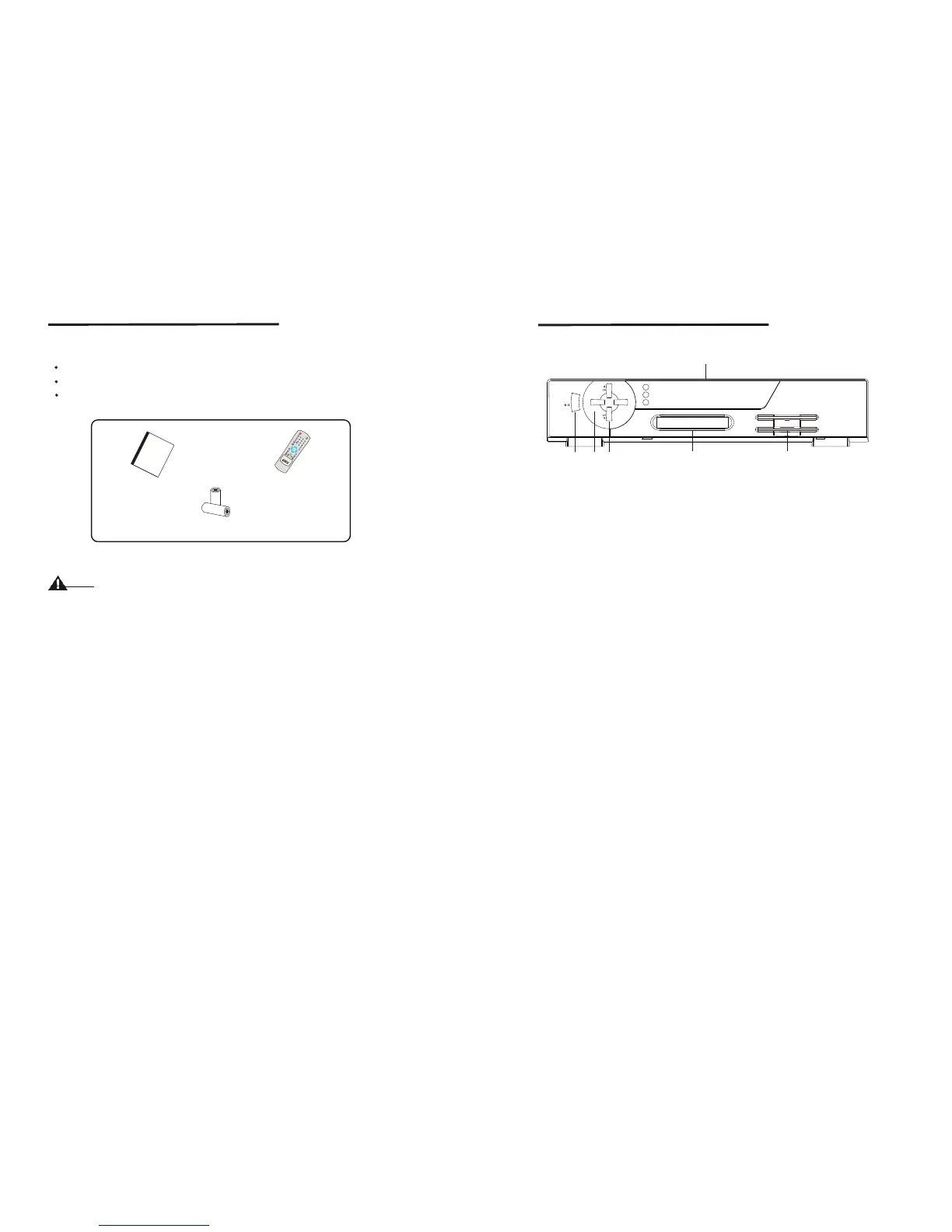
1.2 Accessories
User's Manual
Remote Control Unit
Batteries
Please don't recharge, disassemble, electric short, and mix with used or other
battery types
Figure 1. Accessories
Warning
U
s
e
r
'
s
Ma
n
u
a
l
User's Manual
Batteries(AAA)
Remote Control Unit
2.1 Front Panel
Figure 2. Front Panel
1. Power Button
Turns the receiver On/Off.
2. Volume -/+Button
Increases/decreases the volume levels in No-menu state.
Change the setting values in specific Menu item.
3. Channel UP/DOWN Button
Moves the cursor up/down in Menu state. Changes the current program to the next
/previous program in No-menu state.
4. Display(4-digits 7-segments/2LED)
The 4-digit displays channel information. In STAND BY mode.
The 7-segment displays local time. The red LED is the STAND BY indicator and the
green LED is the Card in indicator.(CI Model Only)
5. CI Slot(CI Model Only)
Insert CI module into CI slot for conditional access.
6. SMART CARD SLOT(CAS Model Only)
Insert smart card into smart card slot for conditional access.
STAND BY
VOL+VOL-
1
3
5
4
2
LOCK
MESSAGE
6
Front Panel
4
5



 To Next Page