80
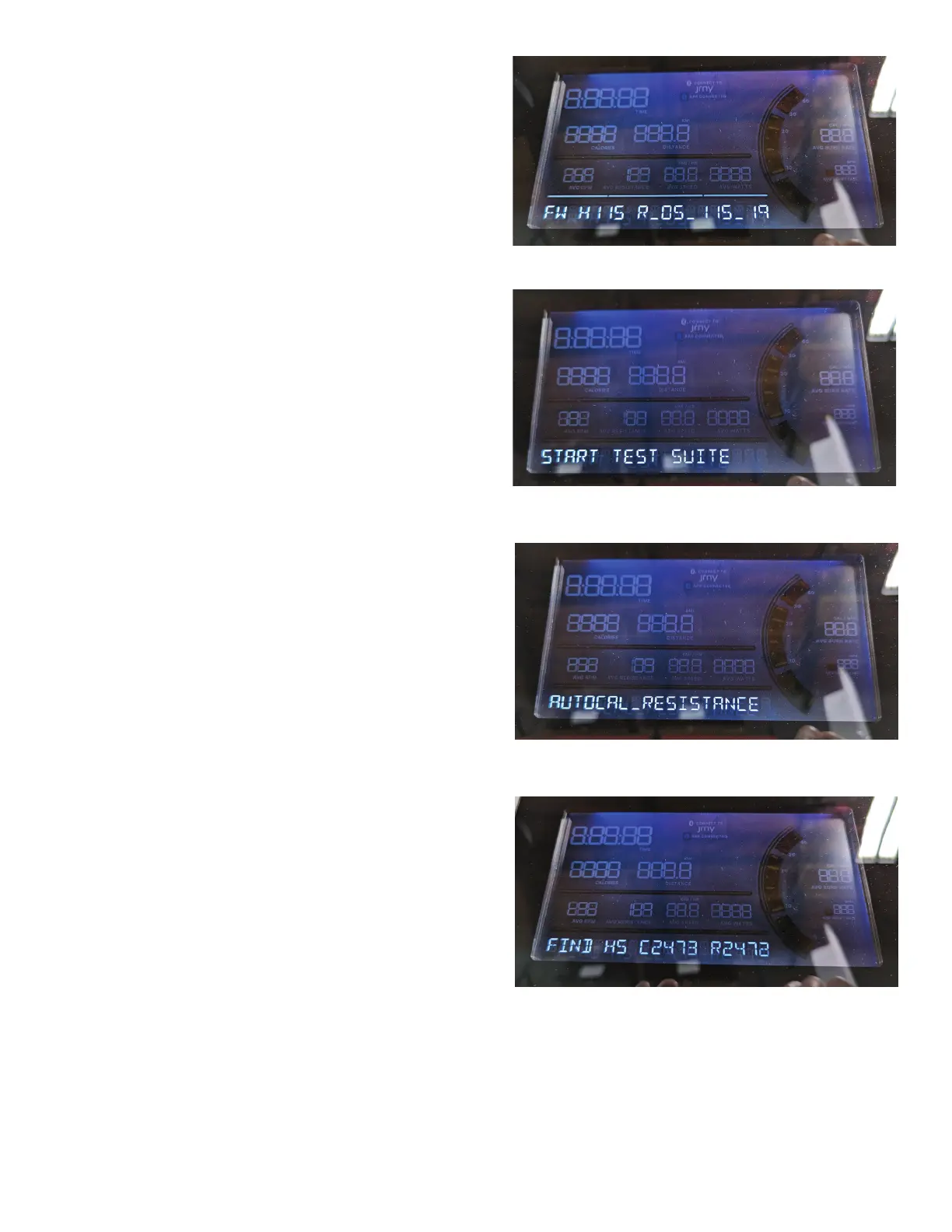
26. The Console display shows the Hardware Variant
& Console Firmware Version.
Push and hold for 3 seconds the Pause/Stop
button to go to the Manufacturing Test Menu.
27. The Console display shows the START TEST
SUITE menu option. Push the Down () button 2
times to advance to the AUTO CAL_RESISTANCE
(Automated Calibrate Resistance) option.
28. The Console display shows the AUTOCAL_
RESISTANCE (Automated Calibrate Resistance)
option. Push the Enter/Start button.
Note: If the Pause/Stop button is pushed part way
through the calibration (exit), the new calibration is not
saved.
29. The console will display changing text and
numbers for approximately 30 seconds as the
servo motor moves.














 To Next Page