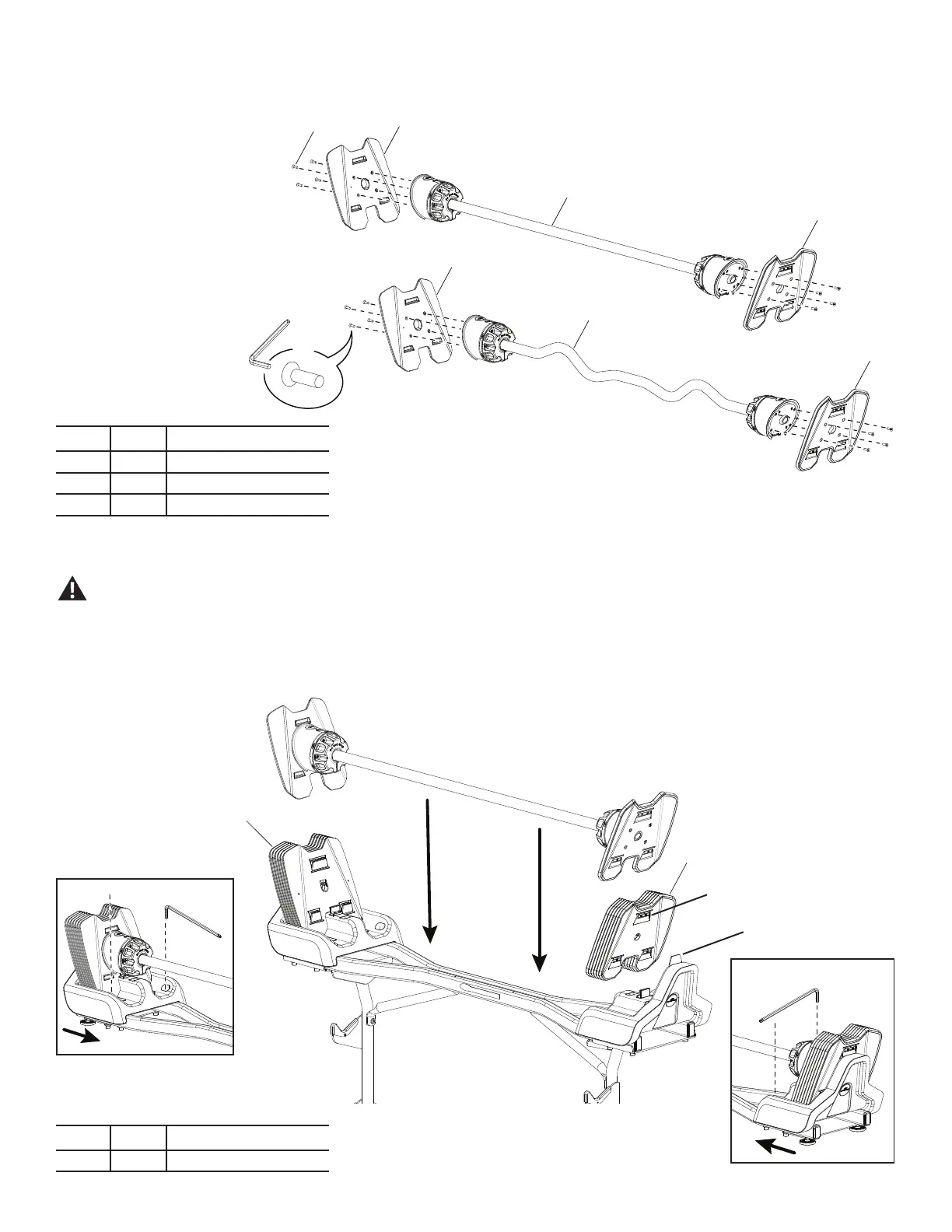
Step 5. Put Weight Plates and Barbell Assembly in the Base, and Adjust Base End Shrouds
In order to avoid possible serious injury, when placing the Weight Plates in the Base Assembly, be careful to avoid ngers or hands being caught or pinched.
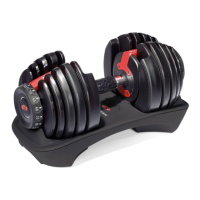
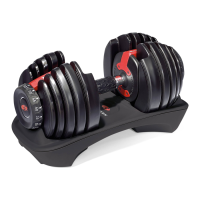
NOTICE: Be sure that the Weight Plates are fully seated in the Base. Ensure there are no large gaps between Weight Plates, and all weight plate tabs are locked together properly.
Make sure the locking tab at the top of the Base End Shroud is seated in the selection lip at the top of the back Weight Plate.
Push the shrouds inward. Tighten the inner screws. To tighten the outer screws, it may be necessary to remove the Barbell and Weight Plates. This adjustment is important
for proper function and easier re-racking. If the barbell is difcult to re-rack after assembly, it may be necessary to repeat this process.
6mm
X2
6mm
X2
14 X6
14 X6
Selection lip
(Stand not shown)
Step 4.
Note: Hardware for this step is on the 2080 Barbell with Curl Bar hardware card, not the 2080 Stand hardware card. Ensure the Adapter Plates are oriented correctly. The screws
must enter the countersink holes on the back of the plates.
11
12
13
13
D
13
13
D X8
X8
Item Qty Description
11 1 Barbell Handle Assembly
12 1 Curlbar Handle Assembly
13 4 Adapter Plates
Item Qty Description
14 12 Weight Plates
Locking tab
Assembly / Owner’s Manual
8




 To Next Page