16
Owner’s Manual
Setting English or Metric Measurement Units (TC3000 and TC5000)
You can configure the TC5000 and TC3000 Consoles to display in Miles or Kilometers:
1. Turn the Main Power Switch on the Bowflex
®
TreadClimber
®
base to ‘On’.
2. Remove the Safety Key.
3. Press and hold the START/STOP button.
4. Insert the Safety Key while holding down the START/STOP button.
5. TIME display.
6. Continue to hold the START/STOPMET
seconds.
7. Release the START/STOP button when desired measurement unit type is displayed.
8. Remove and re-insert the Safety Key to clear the TIME display.
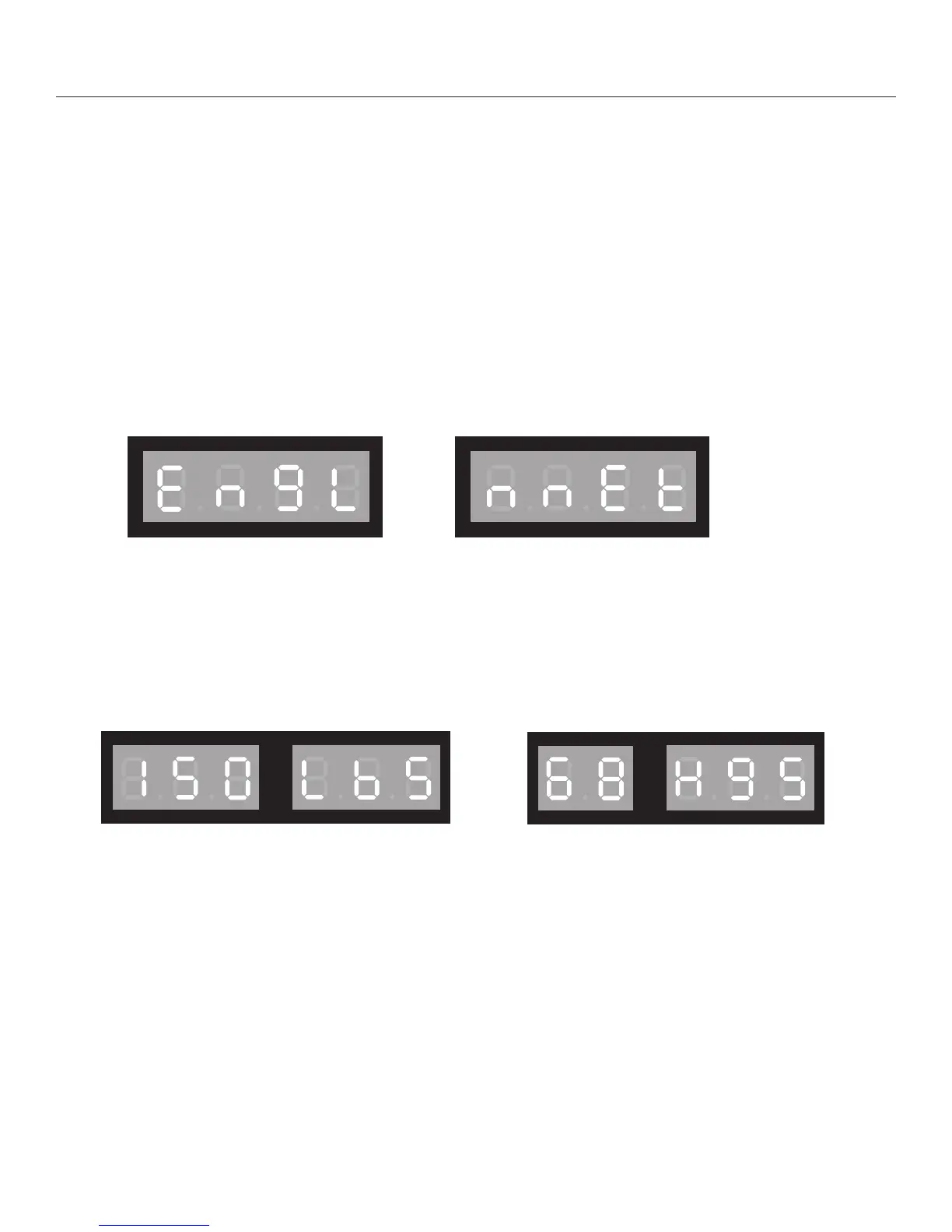
The below is an example of how weight will display in both English Standard and Metric
Metric Measurement Display
English Measurement Display
English Measurement—150 Pounds
Metric Measurement—68 Kilograms
Getting Started













 To Next Page