10
7
5
STANDARD FUNCTIONS
Transferring a call to other receivers
Function is active only if contemplated in system
configuration.
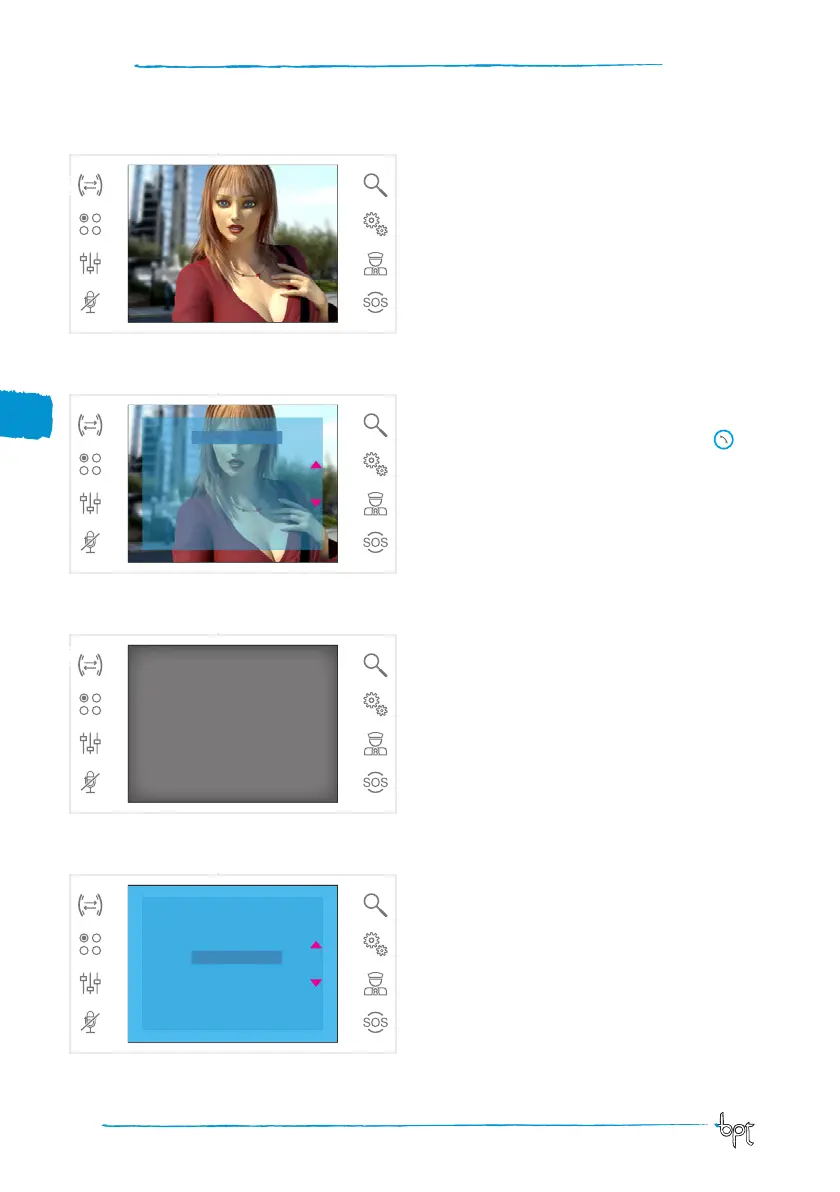
When an active call is open, press the button D to
call up a list of receivers to which the call can be
transferred.
Press buttons ws to select the desired receiver;
press OK, wait for the receiver called to answer; to
transfer the call, hang up by pressing button .
Intercommunication
Function is active only if contemplated in system layout.
Making a call to other receivers
While there are no open calls, press button E to call
up a list of callable receivers.
Select the receiver by pressing buttons ws; then
press OK.
Communication between receivers is established
when the receiver called answers.
D
E
6
8
EXIT OK
Intercom 1
Intercom 2
Intercom 3
Intercom 4
Intercom 5
Intercom 6
Intercom 7
Intercom 8
EXIT OK
Intercom 1
Intercom 2
Intercom 3
Intercom 4
Intercom 5
Intercom 6
Intercom 7
Intercom 8



 To Next Page