12
12
13
14
15
EXIT
EXIT
EXIT
OK
OK
OK
Melodies
Languages
Technical
Entry panel
Input
Intercom
Porter
Setup
*Melody 1
Melody 2
Melody 3
Melody 4
DEVICE SETUP
General settings
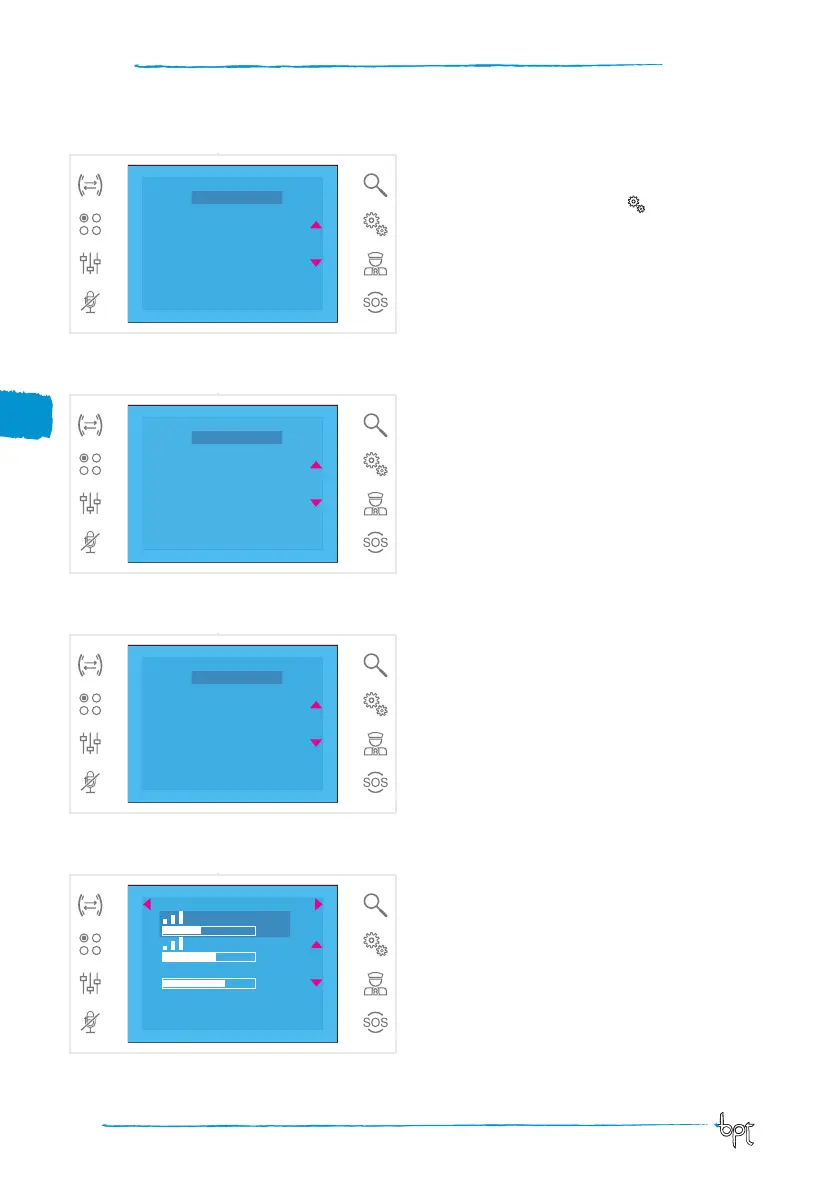
On the main screen, press icon to access the list
of setup items.
Select a call melody
Select the MELODIES item using buttons ws and
press OK.
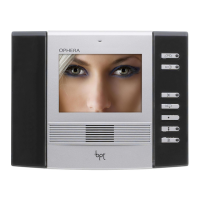
Pres buttons ws to select the type of call to which
you want to associate a melody and press
OK.
The melody marked with a star is the one currently
assigned to the type of call.
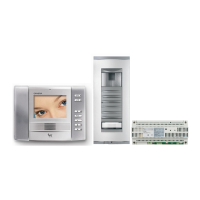
To listen to the melodies available, scroll through
the list using buttons ws; press OK to associate the
selected melody to the type of call.
Press EXIT to return to the previous window.
Once the melodies have been associated to all the
types of call, select the SETUP menu item using but-
tons ws; then press OK.
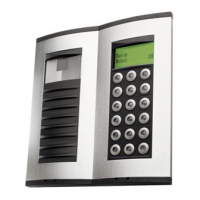
Select the function to be adjusted by pressing the
icons beside arrows ws and use buttons a d to ad-
just: ring volume, tone volume and number of rings.
Press the SAVE button to confirm the settings made.
Press EXIT to return to the previous window.
EXIT
Ring
5
6
7
Tones
No. of Rings
SAVE



 To Next Page