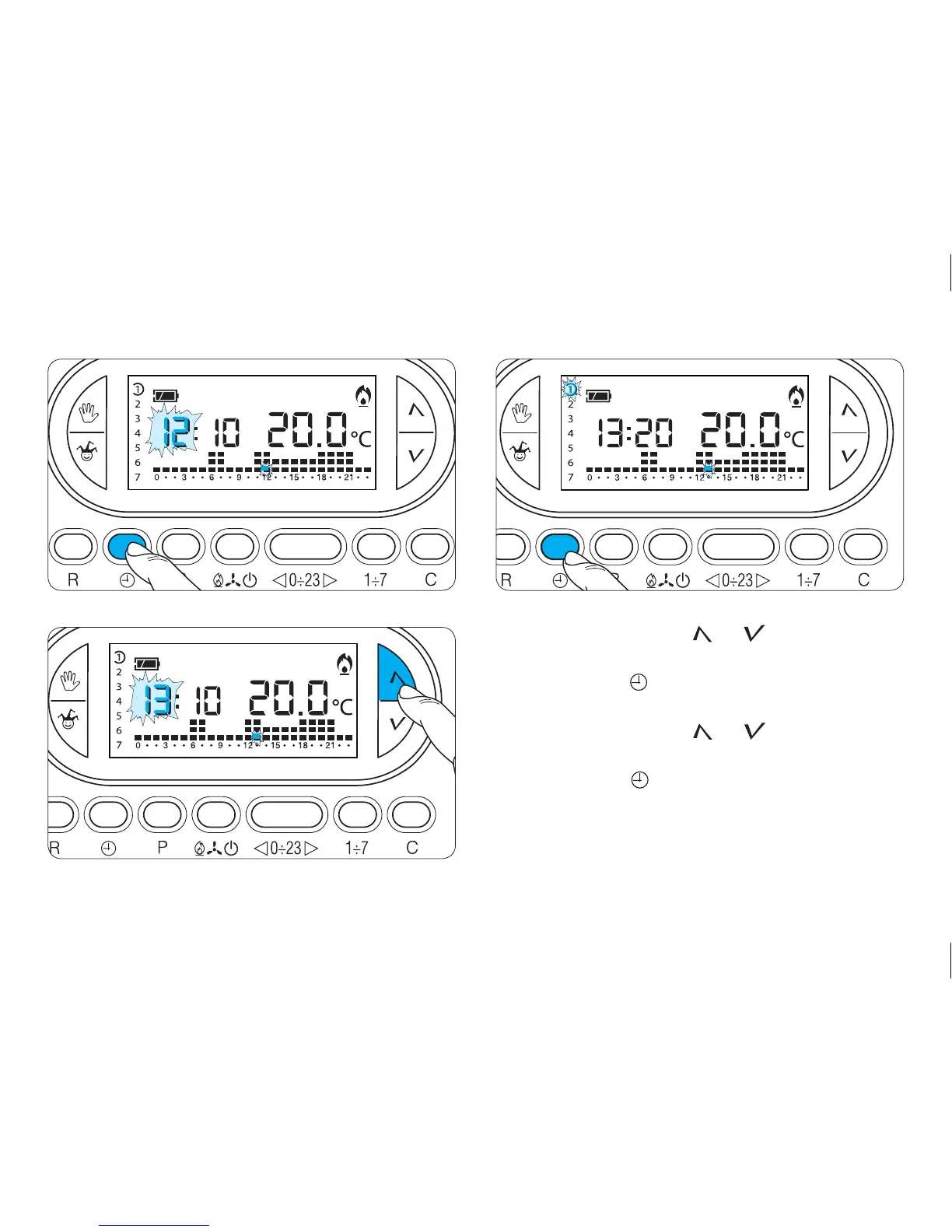
16
4.5- Press either button or until the correct
value for the hour is reached (fig. 16).
4.6- Press button (fig. 17).
The indicator for the days of the week flashes.
4.7- Press either button or until the display
shows the current day (fig. 18).
4.8- Press button to end the procedure for setting
the time and day (fig. 19).
The colon between the hours and minutes flashes to
confirm the operation is complete.



 To Next Page