48
22 RESET
Operating anomalies, repairs and other technical rea-
sons may make it necessary to reset the unit.
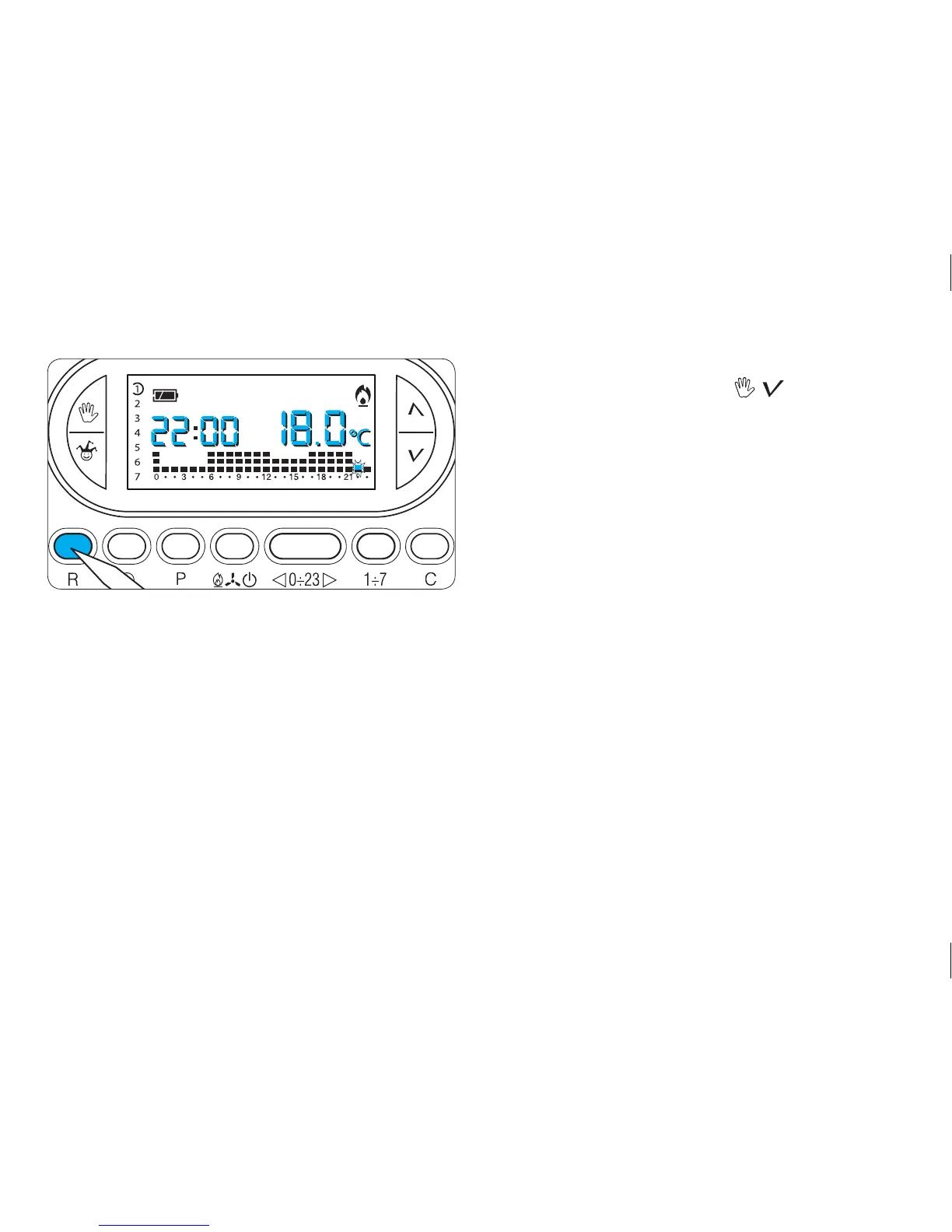
To reset the unit proceed as follows:
22.1- Open the cover.
22.2- Press button R (fig. 82).
22.3- Close the cover.
This operation does NOT delete any customised pro-
grammes, which will be restored, along with other data,
as soon as the unit is restarted (see table 2 on page 48).
To reset all default settings, proceed as follows:
- simultaneously press buttons , and 1÷7;
- reset the unit.
The TH450 will restart in HEATING mode (or COOLING,
if reset in this mode) and AUTOMATIC operating
mode.



 To Next Page