25
9 CUSTOMISATION OF THE
TEMPERATURE LEVELS FOR THE
COOLING PROGRAMME
Open the cover. Select cooling mode . Then set
the desired temperature levels in the same manner as
set forth from point 8.3 on. Close the door.
10 ALLPURPOSE PROGRAMME
The unit includes an all-purpose programme mode
that can be used when on holiday and so on. It
may be activated at any time of the current day and
remains active for the rest of that day. It can also be
reserved for use on any day of the week.
The programme stored in permanent memory fea-
tures the preset profile for Sundays (7), but it can be
customised as required. To activate this programme
for the current day, proceed as follows.
10.1- Make sure that the unit is in AUTOMATIC oper-
ating mode.
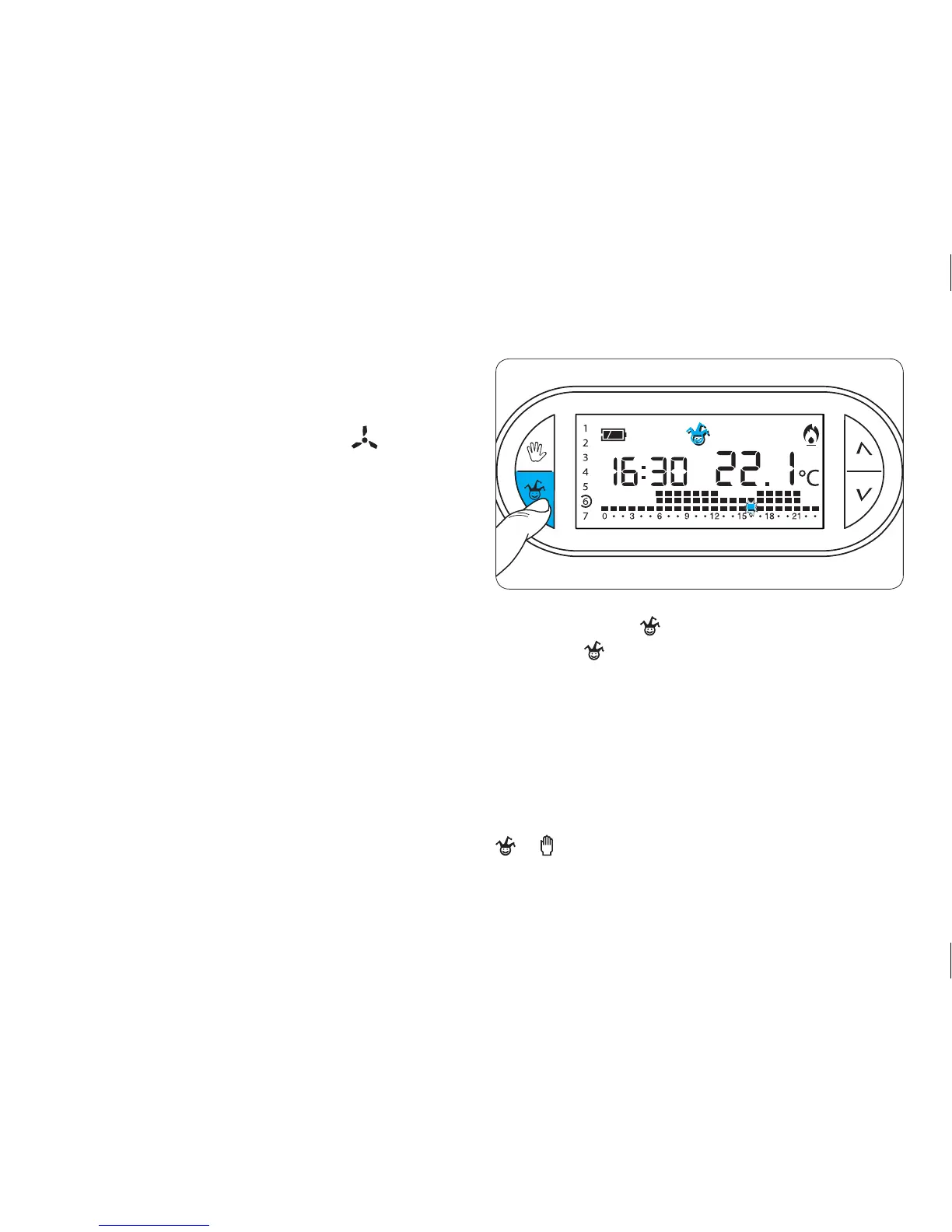
10.2- Press button (fig. 36).
The symbol confirms that the programme has start-
ed.
10.3- Proceed with the customisation as set forth in
paragraphs 7.3 and 7.4
At midnight, the TH450 will return to automatic oper-
ation.
10.4- To exit the all-purpose programme and place
the machine back in AUTOMATIC mode, press button
or .
Fig. 36



 To Next Page