26
If the all-purpose programme is to be reserved for a
day other than the current one, proceed as follows:
10.5- Open the cover.
10.6- Make sure that the unit is in AUTOMATIC oper-
ating mode.
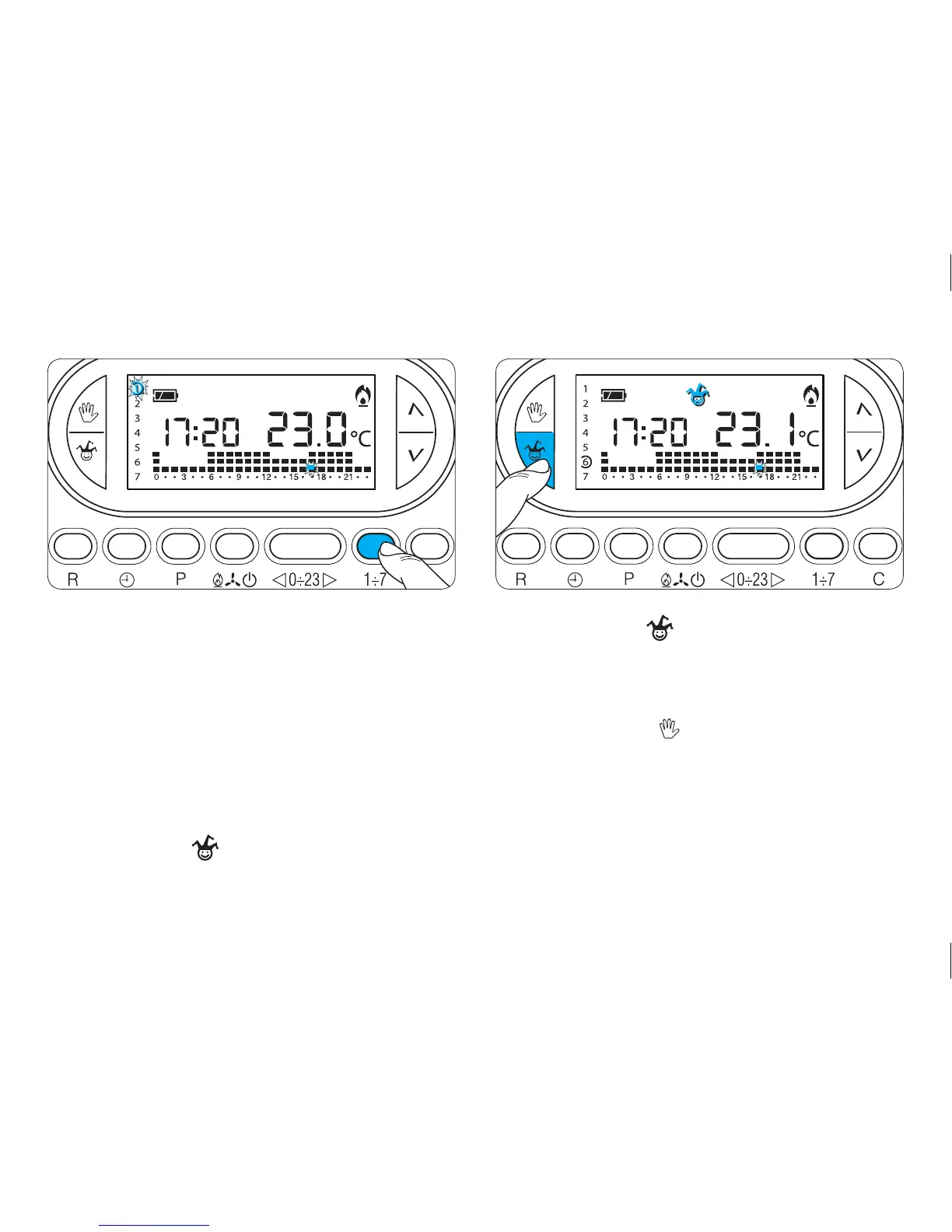
10.7- Use button 1÷7 to place the indicator on the
selected day (fig. 37).
In place of the clock, the current hour will be displayed.
For example, at 16.25 the display will reveal 16:00.
10.8- Press button (fig. 38).
The symbol appears that confirms that programme
has been assigned to that day.
10.9- Proceed with the customisation (see paragraph
7.3 and 7.4).
10.10- Press button or wait 10 seconds for the
machine to return to AUTOMATIC mode.
At 0.00 on the selected day, the programme will be
activated.
A programmed slot can be deleted by placing the
indicator on that day using button 1÷7 and pressing



 To Next Page