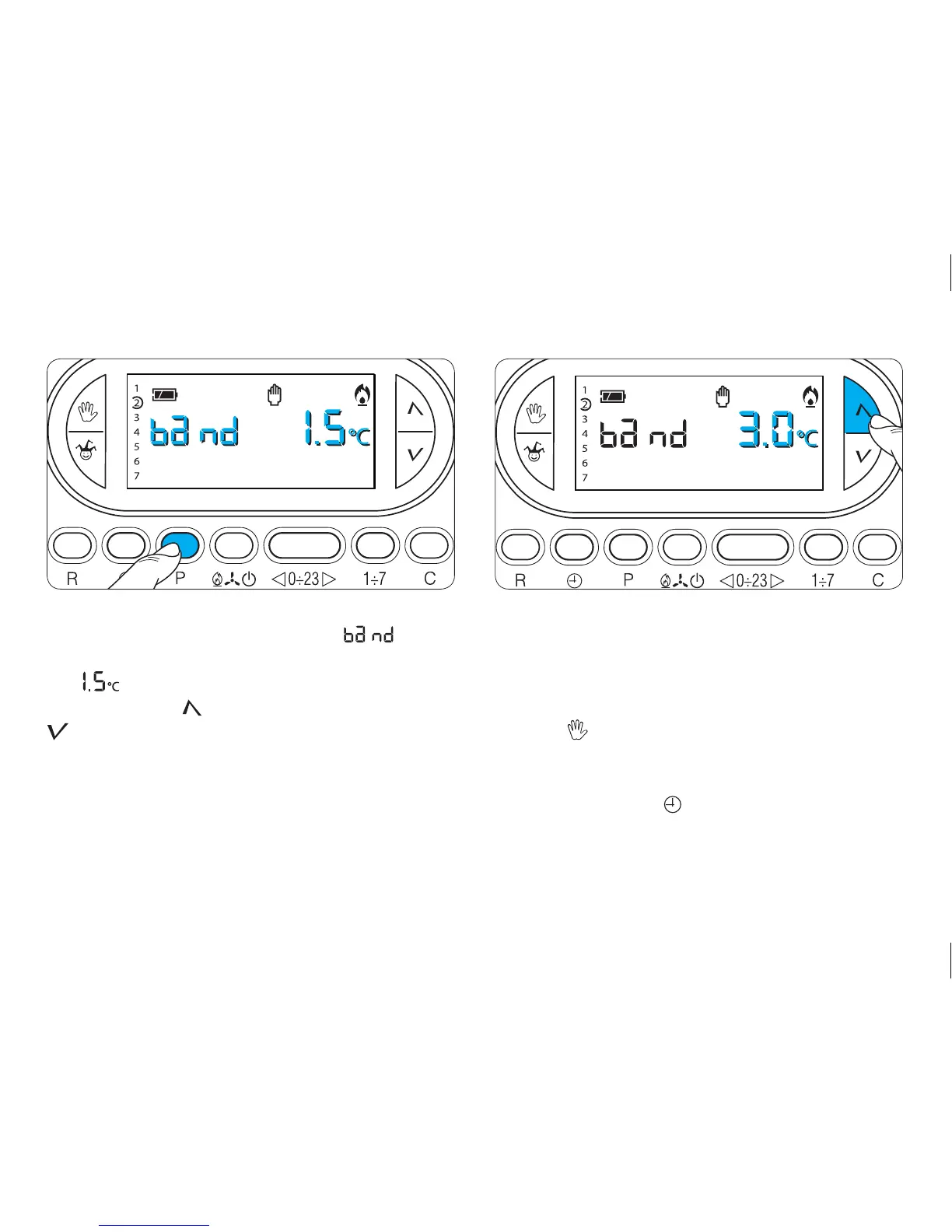
On the display, in place of the hour, will be
displayed and, in place of the indication for the tempera-
ture, will appear .
19.12 - Press the button (forward) or (backwards)
(fig. 72) to modify the proportional range between
1 and 3°C.
19.13 - Press button P to exit programming.
All parameters for the proportional-integral setting
are saved to permanent memory. See chapter 22.
19.14 - Close the cover.
20 SYSTEM OPERATING TIME
The TH450 features an hour-counter (up to 9,999), which
records the system’s accumulated operating hours.
20.1- To check this value, put the unit in MANUAL mode
with the button (fig. 73) and press button C (fig.
74). The display will reveal the total operating time
for 5 seconds. To reset the counter to zero and start a
new count, press the button while the figures are
visible. The symbol will disappears after 5 seconds.
Fig. 71 Fig. 72



 To Next Page