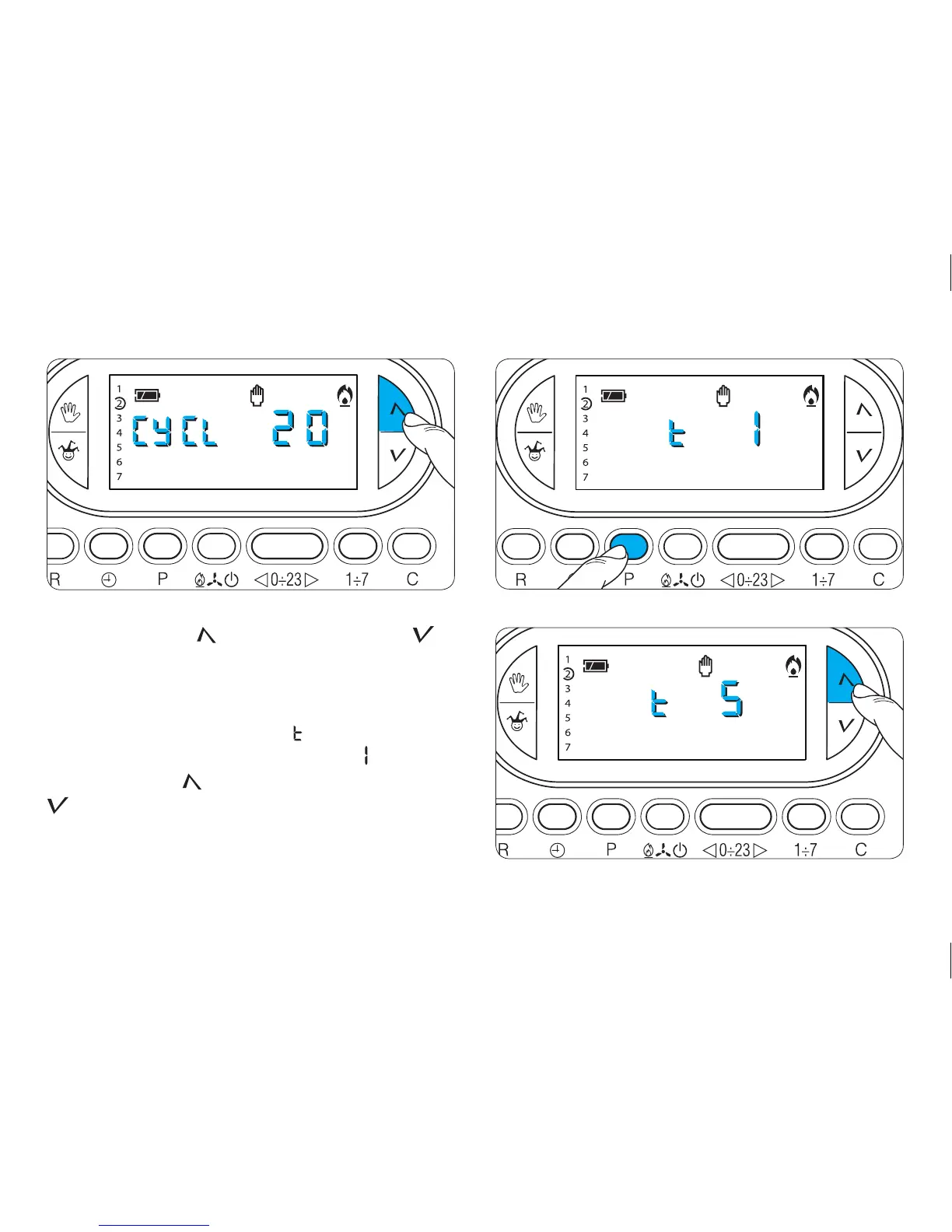
19.8 - Press button (forward) or (backwards) to
select the desired cycle time from between 5, 10, 15,
20, 25, 30, 35 or 40 minutes (fig. 68).
19.9 - Press button P (fig. 69).
On the display, in place of the hour, will be displayed and,
in place of the indication for the temperature, will appear .
19.10 - Press the button (forward) or (backwards)
(fig. 70) to select the minimum start-up and shut-
down times between 1 and 5 minutes.
19.11- Press button P (fig. 71).



 To Next Page