15
4 SETTING THE CLOCK
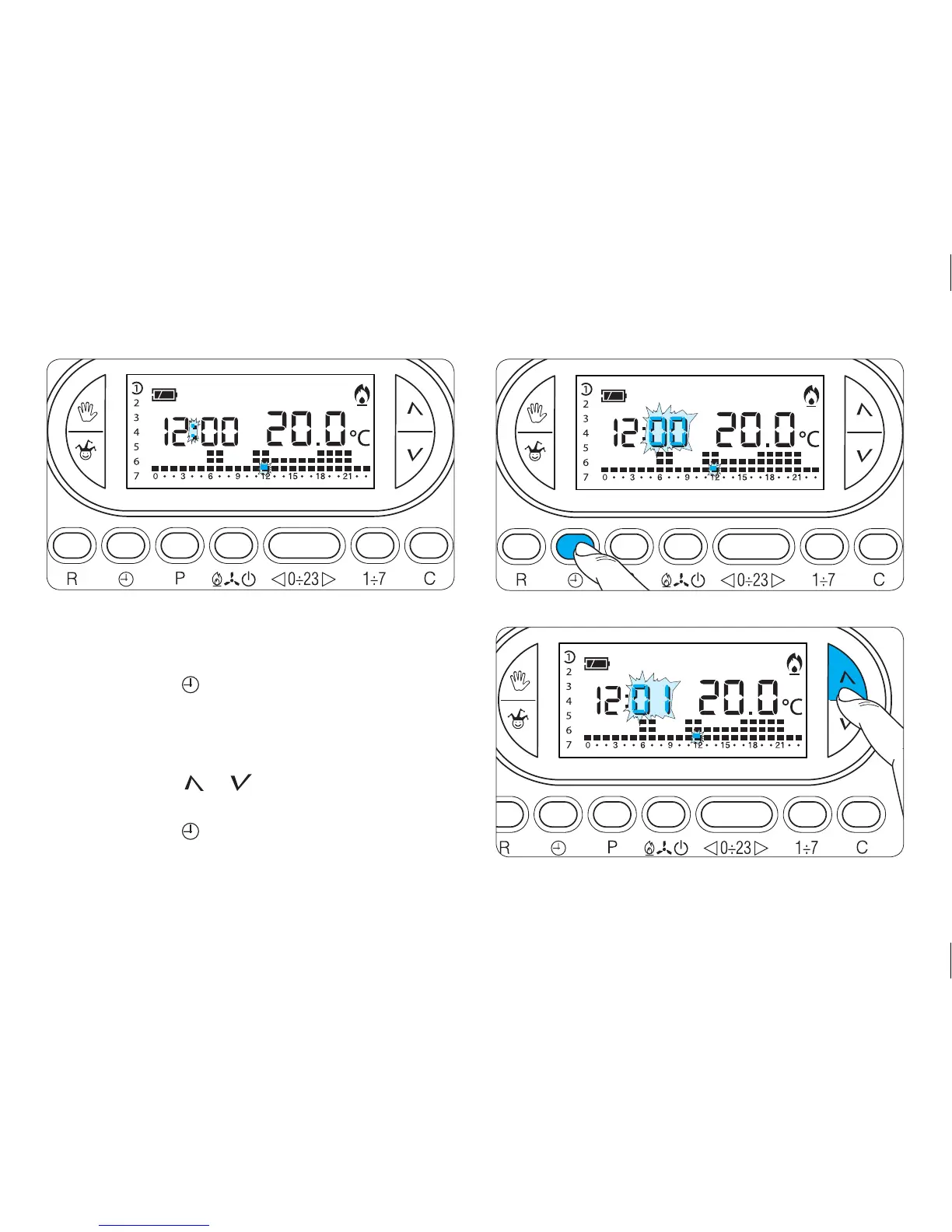
4.1- Open the cover.
4.2- Press button twice (fig.13).
The first press of the button simply activates the
backlight.
The minutes digits flash.
4.3- Press button or until the correct value for
the minutes is reached(fig. 14).
4.4- Press button (fig. 15).
The hour digits flash.



 To Next Page