20
7 CUSTOMISATION OF THE DAILY
TEMPERATURE PROGRAMME
7.1- Open the cover.
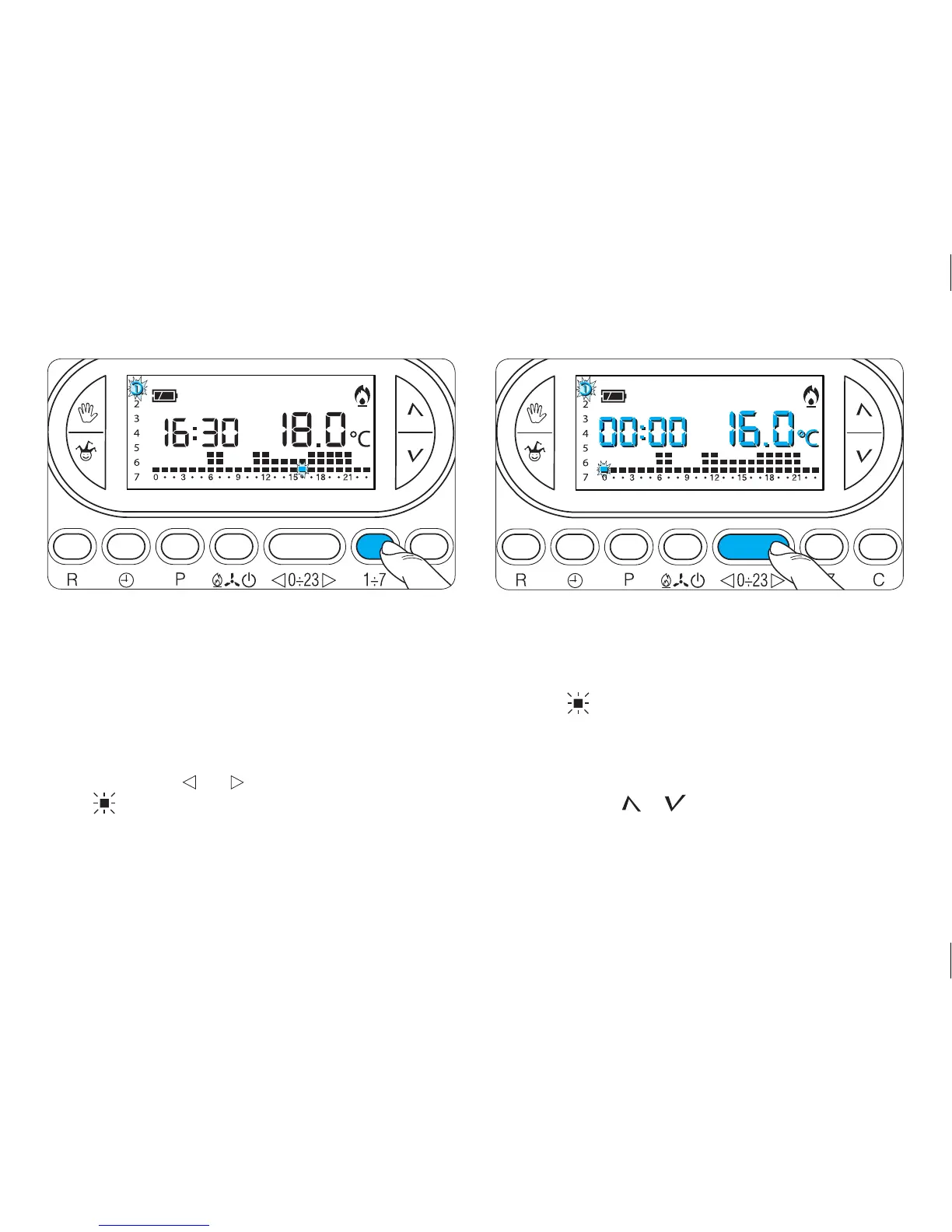
7.2- Use button 1÷7 to place the day indicator in
position 1 (Monday) (fig. 25).
The parentheses for the selected day flash.
7.3- Use buttons 0÷23 to move the flashing indi-
cator to hour 0 on the graph of the ‘Daily’ pro-
gramme (fig. 26).
Note. When this button is used, the information on the
display changes as follows:
a) The clock shows the hour indicated by the flashing
segment . The colon between the hours and min-
utes does not flash.
b) The temperature shown is the value for the selected
level at the time indicated by the flashing segment.
7.4 - Use button or (fig. 27) to select the desired
temperature range.



 To Next Page