The delay can be programmed for several different
hours during the same day. The settings are saved to
permanent memory (see chapter 22).
The delay can also be set for the remaining days of
the week using the 1÷7 key.
These settings are saved to permanent memory, see
chapter 22 (reset).
16 TEMPERATURE MEASUREMENT
CALIBRATION
If the TH450 is not properly situated (e.g. installed
near a heat source), temperature measurement may
be incorrect or may not correspond to the actual
room temperature. Use the buttons (backwards)
or (forward) to change the temperature from 0.0°C
(default setting) up to ±3°C in increments of 0.1°C.
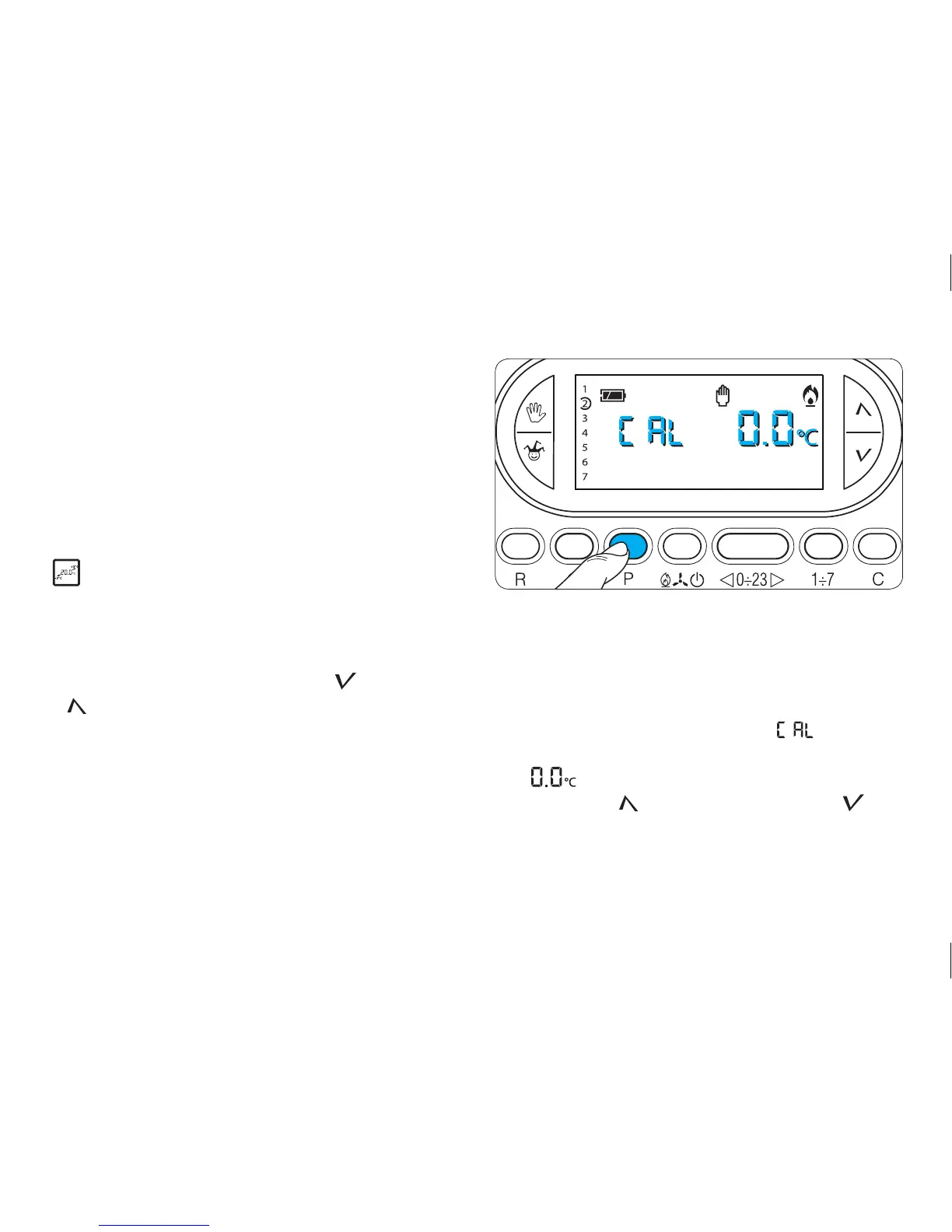
Temperature measurement calibration
16.1- Make sure that the unit is in MANUAL operating
mode.
16.2- Press button P (fig. 57).
On the display, in place of the hour, will be dis-
played and, in place of the indication for the tempera-
ture, will appear.
16.3- Press the (forward) or (backwards) but-
tons (fig. 58) until the desired correction value is
reached.
Fig. 57



 To Next Page