23
8 CUSTOMISATION OF THE
TEMPERATURE LEVELS FOR THE HEATING
PROGRAMME
8.1- Open the cover.
8.2- Make sure AUTOMATIC operating mode is selected.
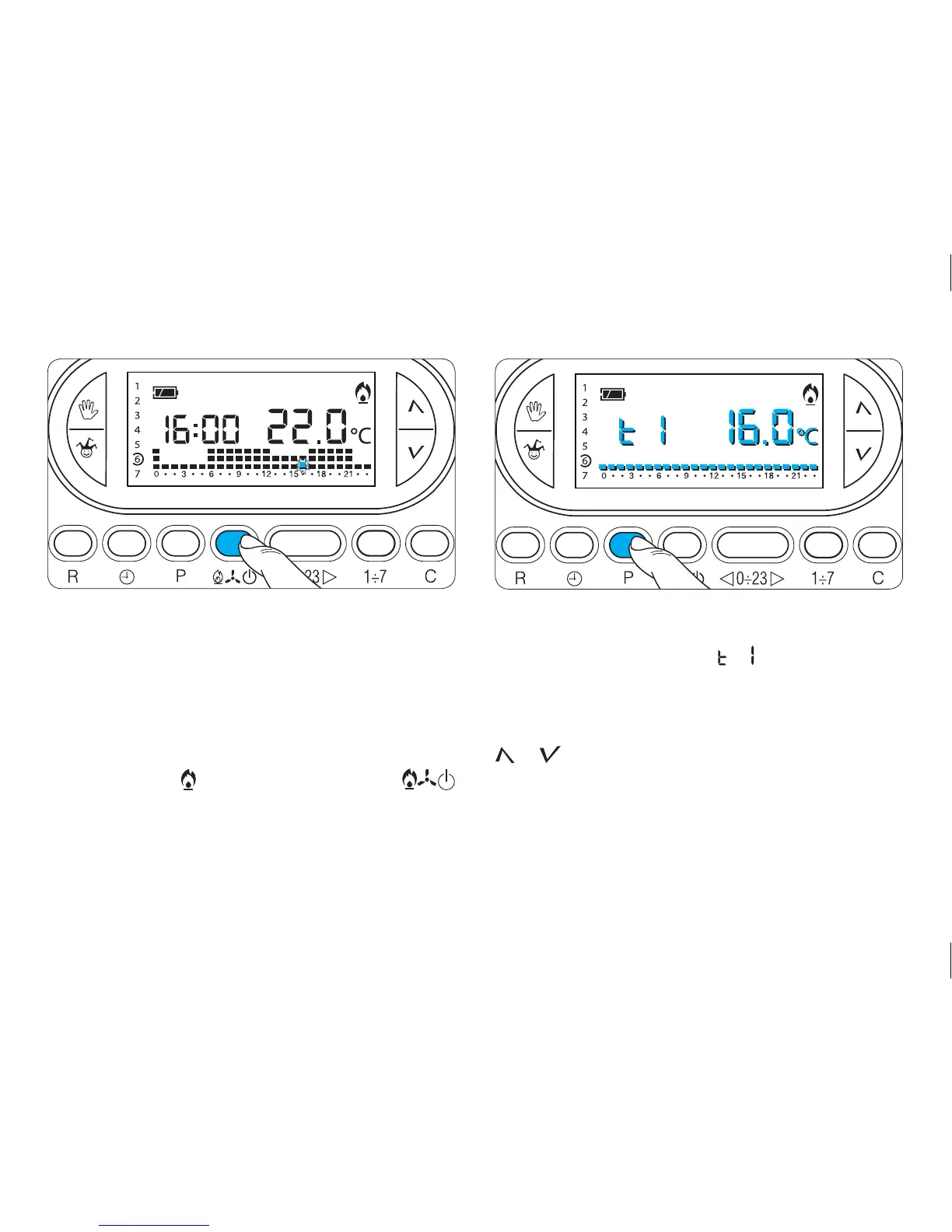
8.3- Make sure that the symbol for the heating pro-
gramme is active - if necessary press button
(fig. 32).
8.4- Press button P (fig. 33).
The temperature range for T1 will be displayed, in place
of the current time the symbol and the value of the
temperature assigned to the T1 temperature range (set
in memory at, 16°C).
8.5- Set the desired temperature for T1 using buttons
or (fig. 34).
8.6- Press button P to confirm the temperature
shown on the display and to move on to the next
temperature level (fig. 35).



 To Next Page