34
15.2- Make sure that the unit is in AUTOMATIC oper-
ating mode.
15.3- Press button 0÷23 (fig. 54).
The display indicates the value of the set temperature for
the hour indicated on the current day.
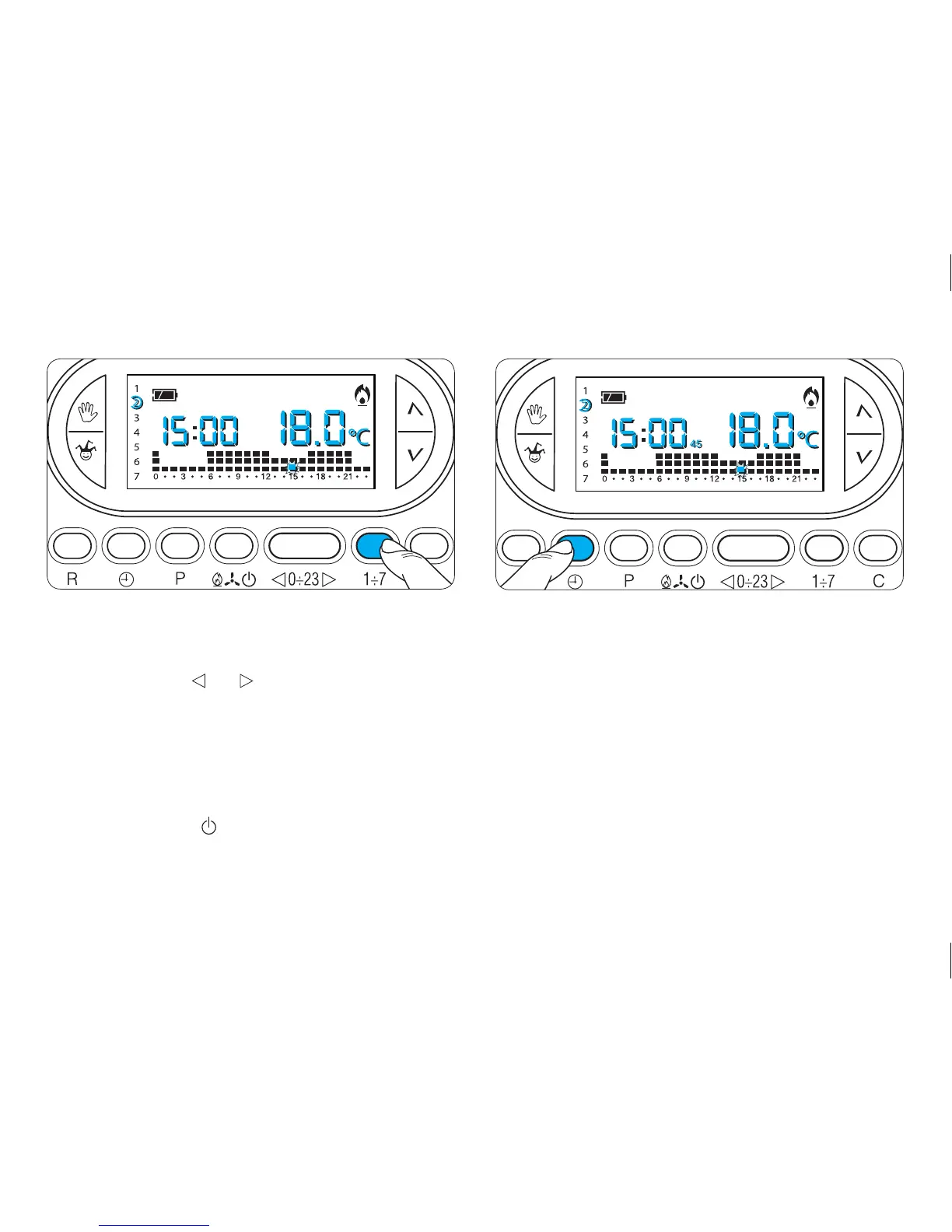
15.4- Press button 1÷7 (fig. 55).
The display will show the value of the temperature set for
the indicated time on the various days of the week.
15.5- Press button (fig. 56) once, twice or three
times within 10 seconds to set a delay time of 15, 30
or 45 minutes and press it again to cancel the setting.
For example, if a comfortable temperature is required
for 7:00, the system can be set to start at 6:30.
In this case, set the comfortable temperature for 6:00
with a delay of 30 minutes.
The TH450 will activate at 6:30, maintaining until that
time the temperature set at 5:00.
The indication of the inserted delay is shown in auto-
matic mode during the hour in which the delay has
been programmed.
Fig. 55
Fig. 56



 To Next Page