7
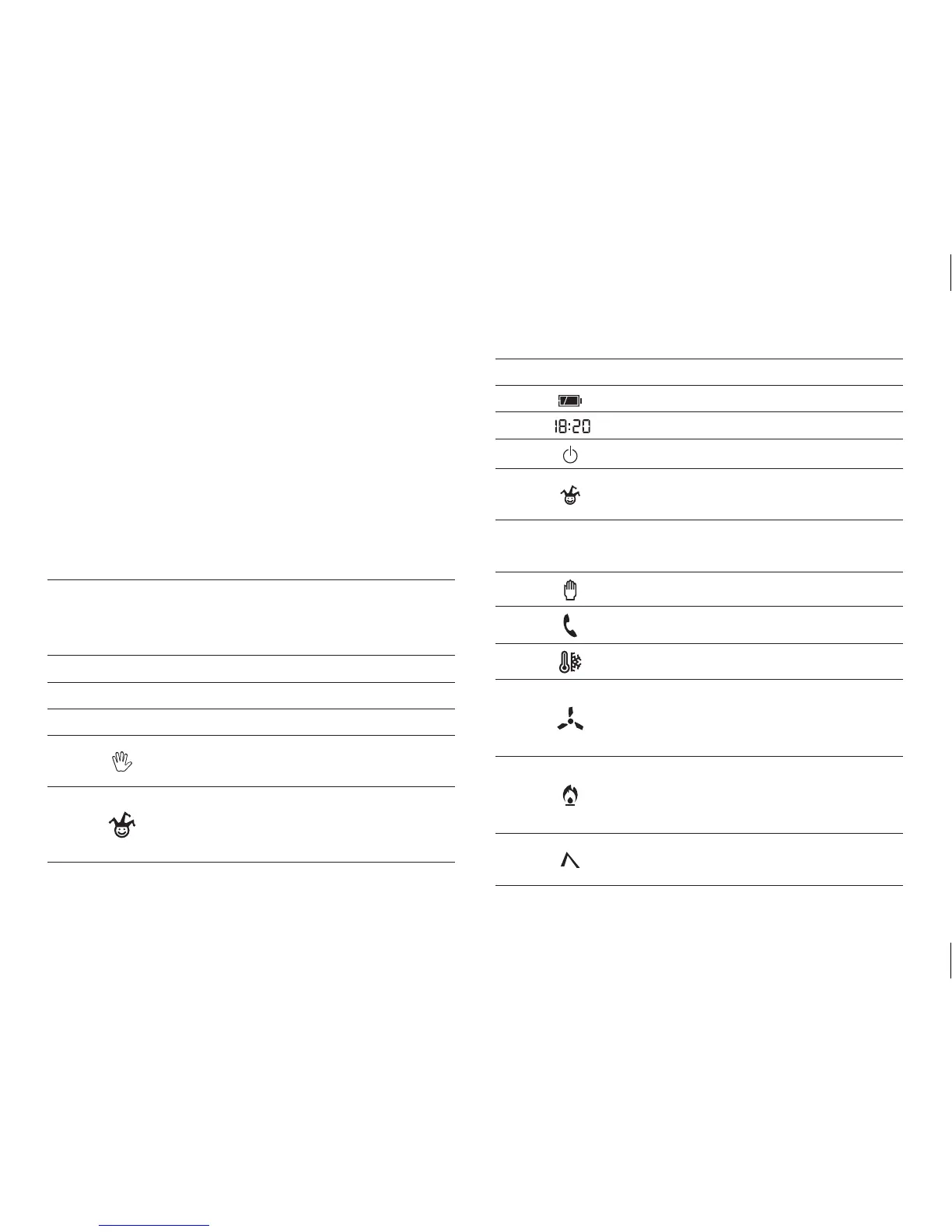
EXTERNAL CONTROLS AND SYMBOLS (see fig. 1)
ATTENTION. To turn on the backlight simply press
any button. To enter one of the selected functions
(e.g. setting the clock, etc.) the appropriate button
will need to be pressed twice. The backlight stays
on for 15 seconds after the last press of a button.
INFORMATION DISPLAYED
1 0 ÷ 23
Program display for the hours.
The flashing cursor indicates the hour
corresponding to the clock time.
2 Temperature range T1.
3 Temperature range T2.
4 Temperature range T3.
5
Button for selecting MANUAL or
AUTOMATIC mode.
6
ALL-PURPOSE or MANUAL TIMER-
CONTROLLED programme activation
button.
7 1÷7 Days of the week.
8 Battery charge status.
9 Digital clock.
10 System bypass.
11
Activation of the all-purpose pro-
gramme mode.
12 On-off time delays.
13 Manual operating mode.
14 Remote activation.
15 Frost protection.
16
COOLING programme.
When the cooling system is in opera-
tion this icon is animated.
17
HEATING programme.
When the heating system is in opera-
tion this icon is animated.
18
Button to increase temperature,
time, etc.



 To Next Page