45
Bluetooth (Option)
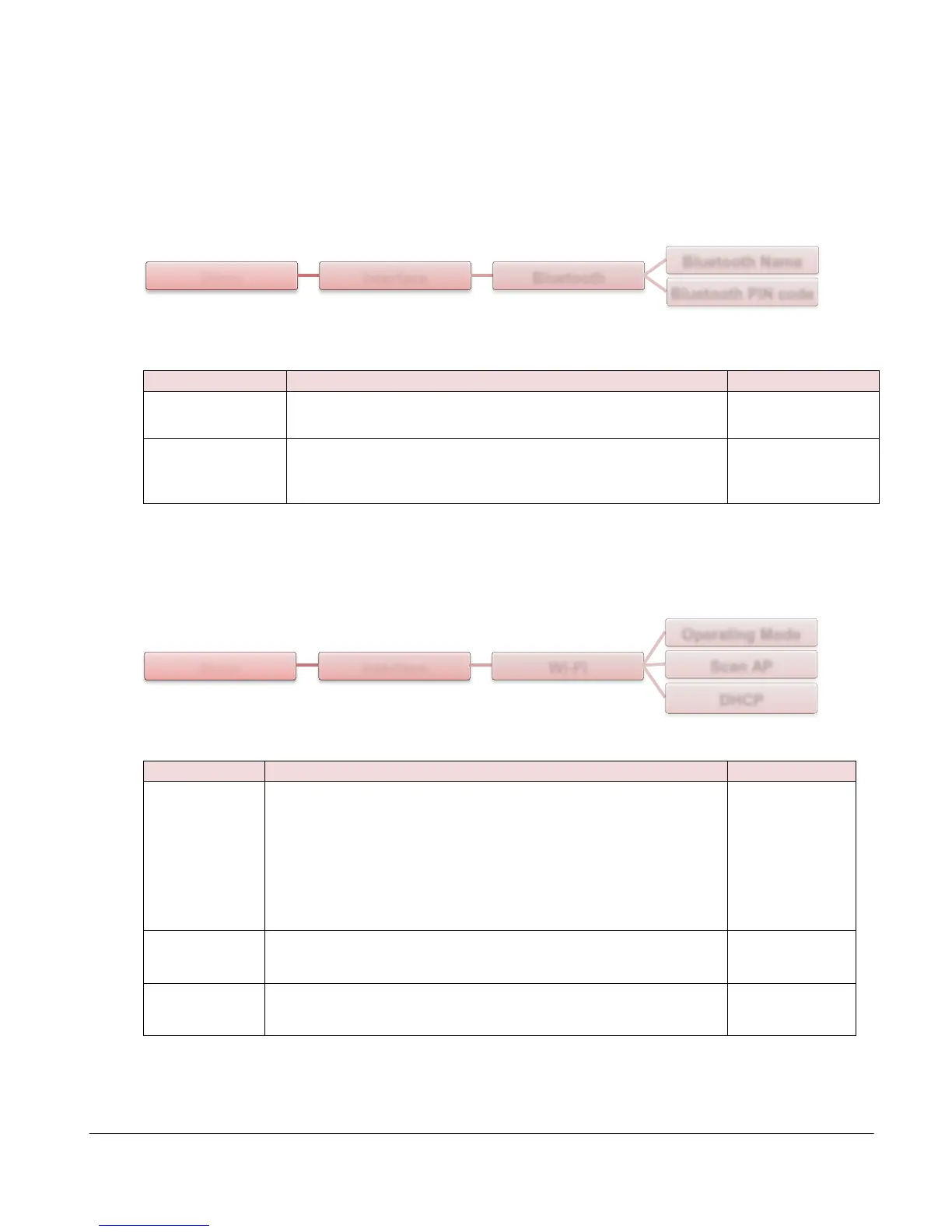
This option is used to set the printer bluetooth settings.
This item is used to set the local name for Bluetooth.
This item is used to set the local PIN code for
Bluetooth.
Wi-Fi (Option)
This item is used to set the operating mode of wireless
local area networks to connect devices to the networks.
Note:
Infrastructure mode requires the use of an access point for
this communication to take place.
Ad hoc mode involves connecting a computer directly to
another computer.
This item is used to scan the access point devise
This item is used to ON or OFF the DHCP (Dynamic Host
Configuration Protocol) network protocol.
Menu Interface Bluetooth
Bluetooth Name
Bluetooth PIN code
Menu Interface Wi-Fi
Operating Mode
Scan AP
DHCP



 To Next Page