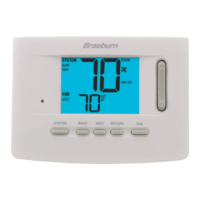
DAY/ TIME
BACK NEXT
Programming a 7 Day Commercial Schedule
The 7 day commercial programming mode gives you the option to program individual days (1 day at a time) or to
use SpeedSet and program the entire week (all 7 days) with a 2 event program schedule.
Setting All 7 Days at Once (SpeedSet
®
)
NOTE: Setting all 7 days at once will copy over any previously programmed individual days.
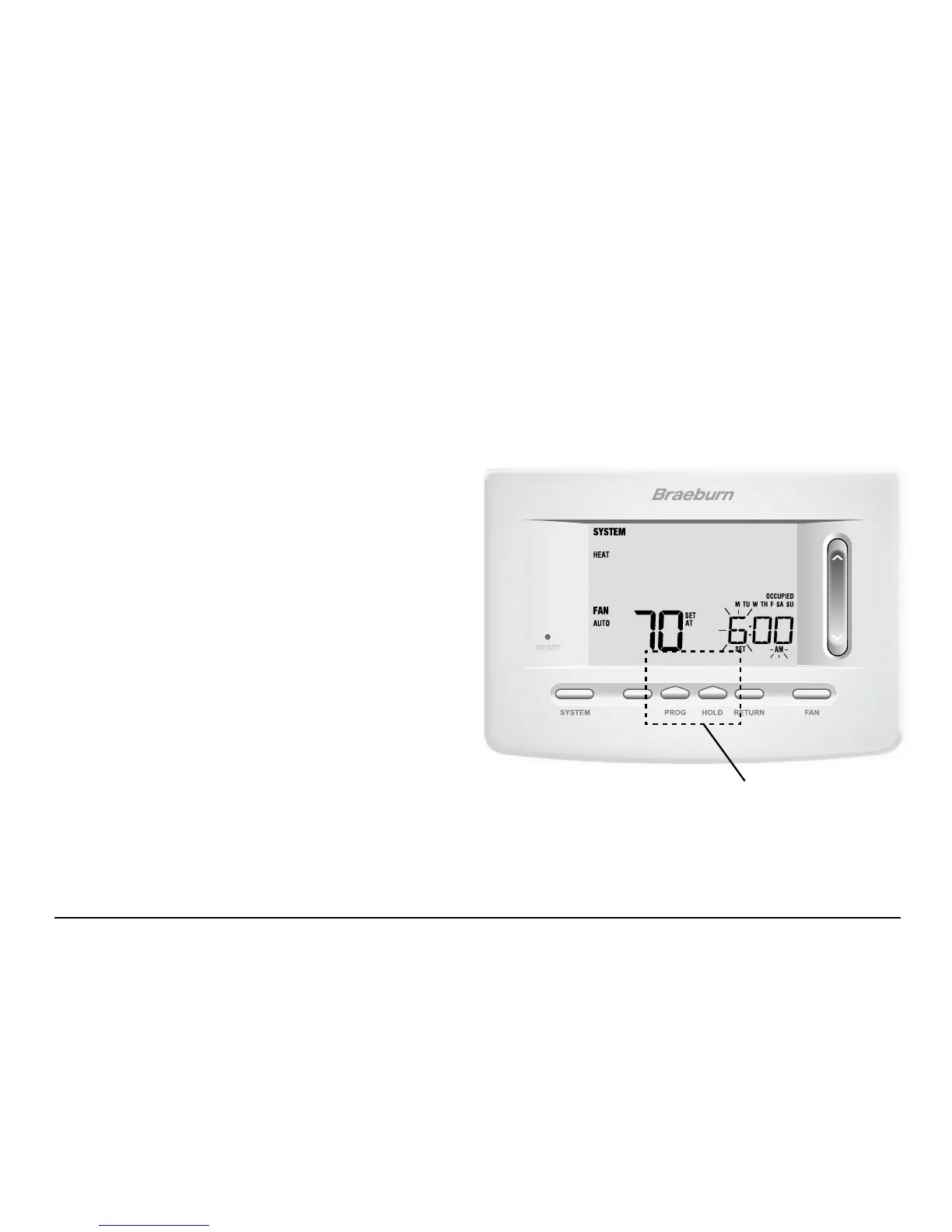
1. Hold the PROG button
for 3 seconds. The display will
switch to SpeedSet programming mode. All 7 days of
the week will appear and the hour will be ashing.
2. Press SYSTEM to select HEAT or COOL.
3. Press the SpeedBar
®
up or down to adjust the hour
for the OCCUPIED event. Press NEXT.
4. Press the SpeedBar up or down to adjust the minute
for the OCCUPIED event. Press NEXT.
5. Press the SpeedBar up or down to adjust the
temperature for the OCCUPIED event. Press NEXT.
6. Press the SpeedBar up or down to adjust the fan
setting for the OCCUPIED event. Press NEXT.
7. Repeat steps 3-6 for your UNOCCUPIED event.
8. If needed, repeat steps 2-7 to program the opposite mode (HEAT or COOL).
9. Press RETURN to exit.
BACK and NEXT are
secondary functions of the
PROG and HOLD buttons.
User Manual 20



 To Next Page