DAY/ TIME
HUMID
Humidification and Dehumidification
If this thermostat was also equipped with
a wireless humidity sensor, it can be used to
control a whole house humidifier or dehumidifier.
Humidification can be controlled manually from
the thermostat or automatically when a outdoor
remote sensor is installed and configured in the
Installer Settings (See Installer Guide).
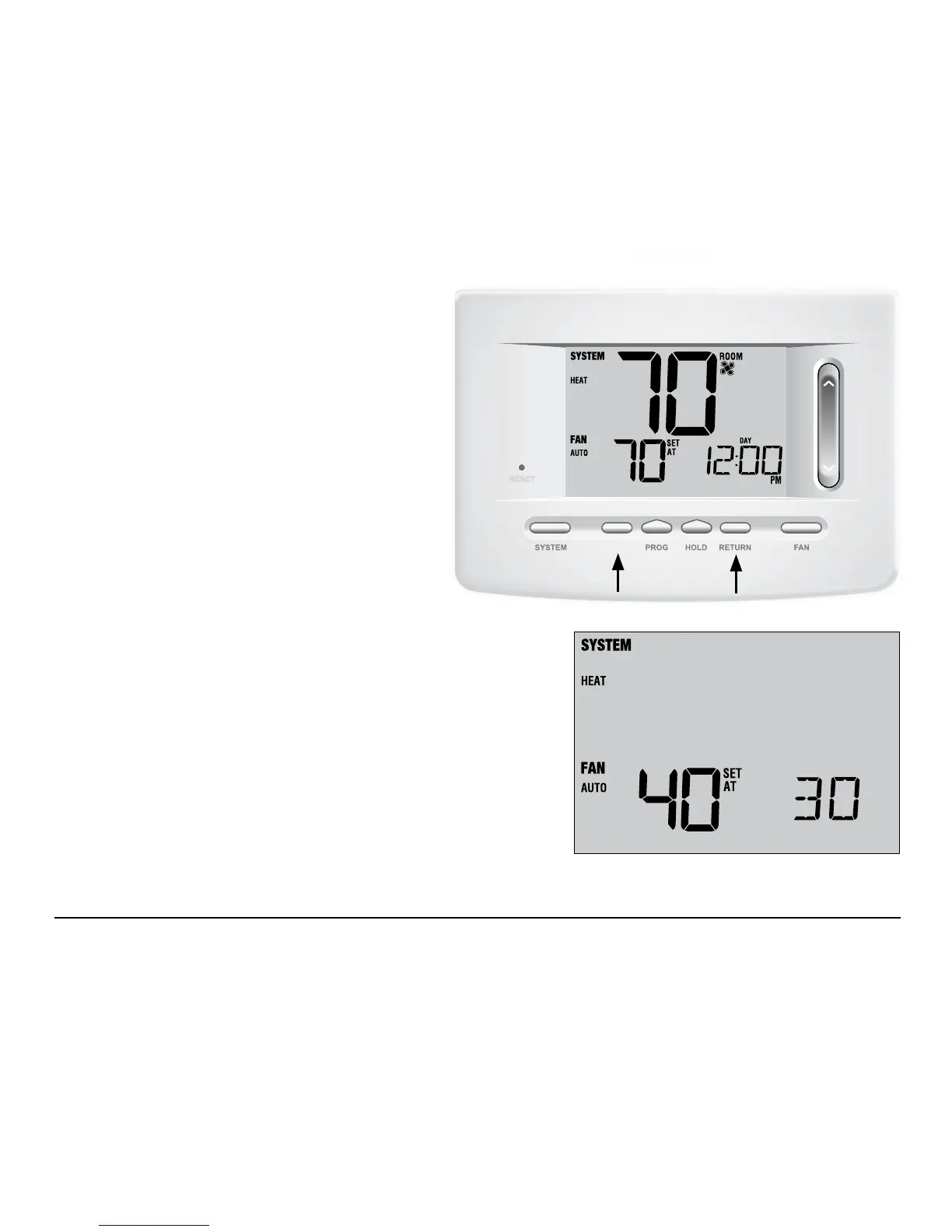
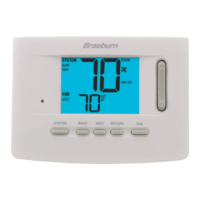
To view the current humidity level at the thermostat,
press the
DAY/TIME and RETURN buttons at the
same time (Figure 1). If humidication and
dehumidication
are not enabled, you will only see
the current humidity level.
If humidication is enabled you will see the current humidity
level along with the humidication set point (Figure 2). Press the
SpeedBar
®
up or down to adjust the humidication set point.
Figure 1
Figure 2
HUMID
User Manual 36



 To Next Page