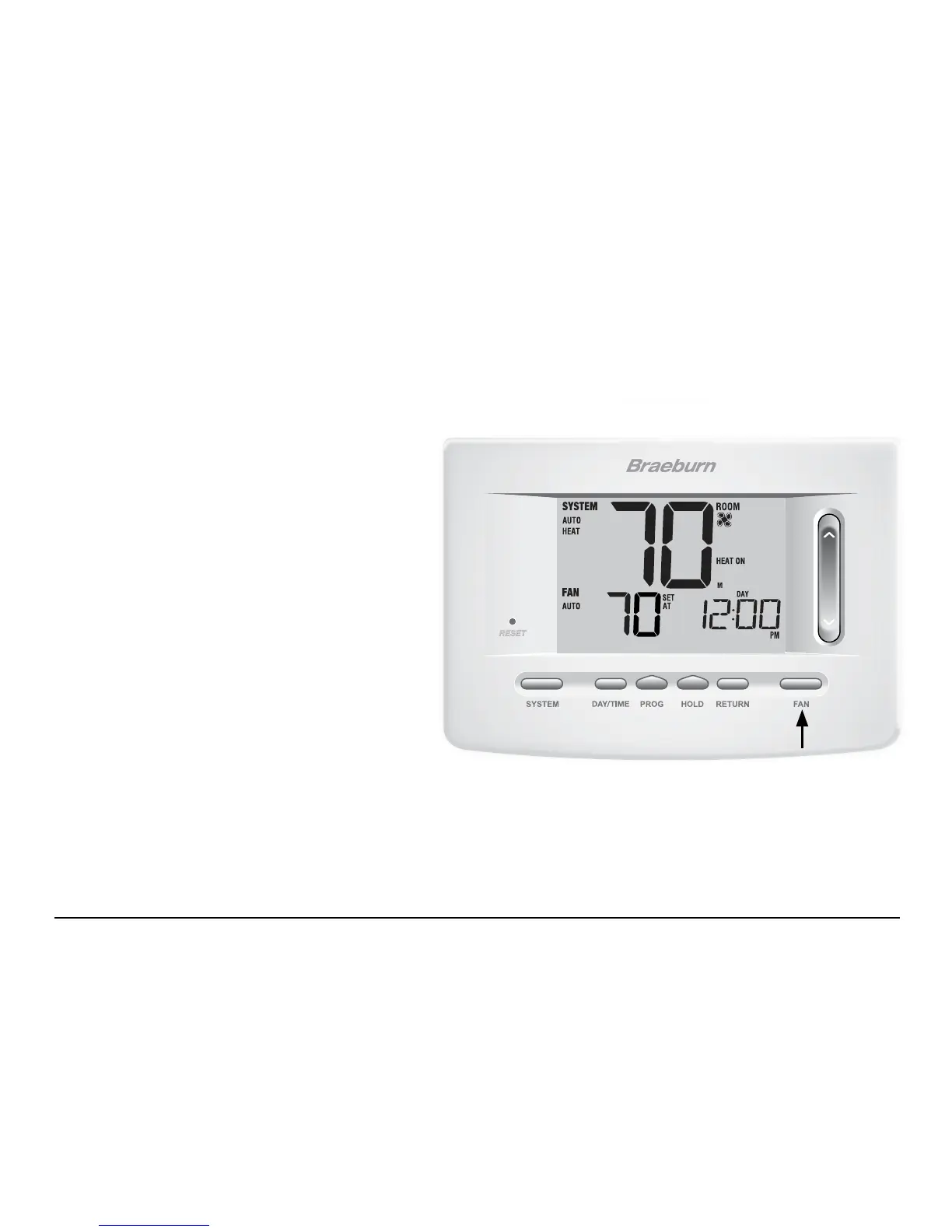
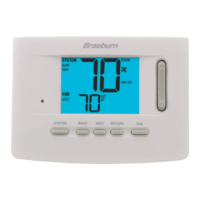
Setting the FAN Control Mode
The Fan Control has 3 modes of operation – AUTO, ON, and PROG. The mode can be selected by pressing the
FAN button to scroll through the different modes.
NOTE: Depending on how your thermostat was configured, some fan modes may not be available.
AUTO The system fan will run only when your
heating or cooling system is running.
ON The system fan stays on.
PROG The system fan will function in the
AUTO or ON modes depending on your
program schedule.
23 User Manual



 To Next Page