29 User Manual
5
Additional Operation Features
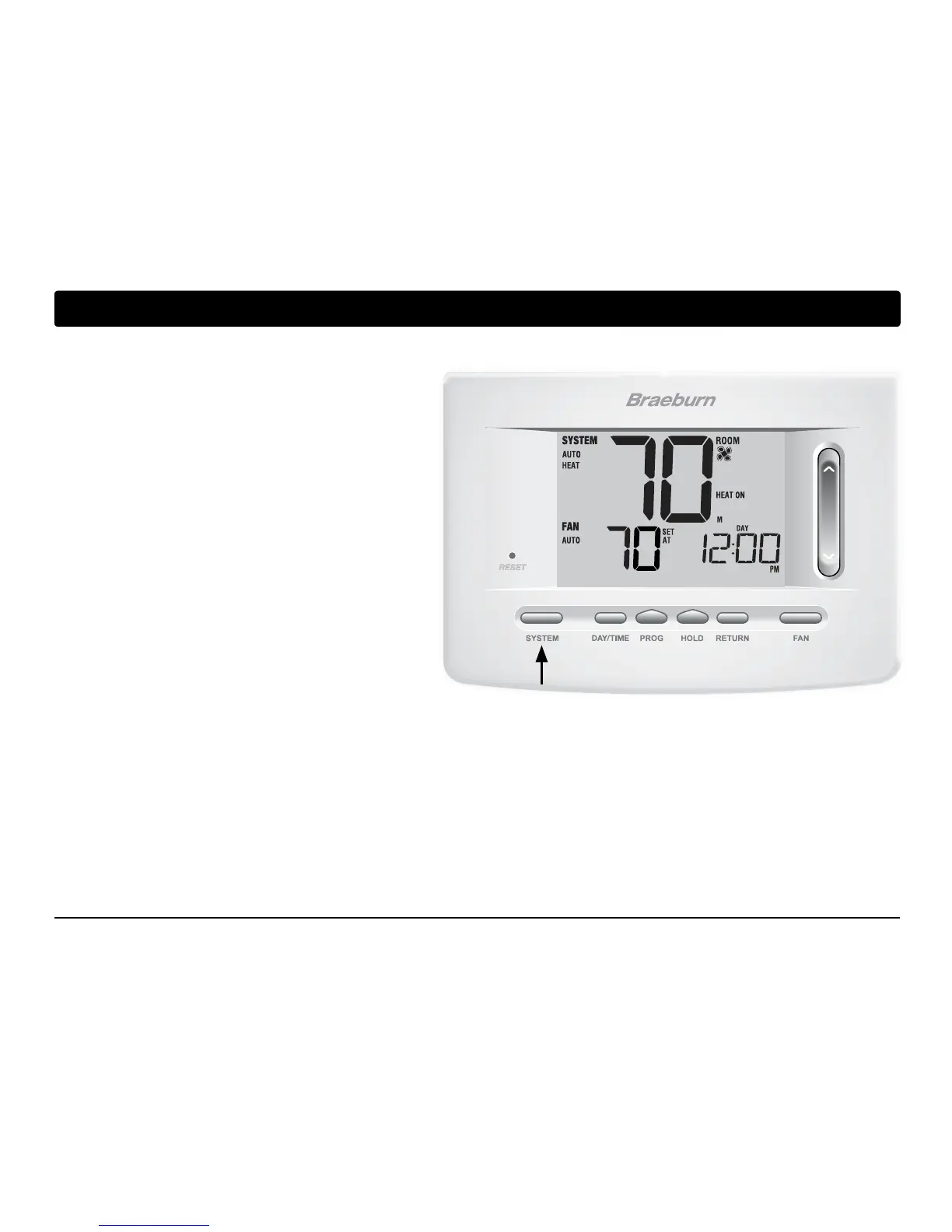
Auto Changeover Mode
Auto Changeover mode is a feature enabled/
disabled in the
Installer Settings (see Installer
Guide). If enabled, it is selected
by pressing the
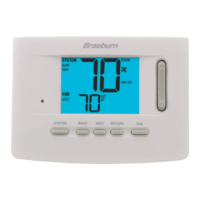
SYSTEM button until AUTO HEAT or AUTO COOL
appears in the display.
When Auto Changeover mode is enabled and
selected, the system automatically switches
between heating and cooling when the room
temperature meets the programmed heating or
cooling set points. To operate properly, the
thermostat requires a “dead band” setting to
eliminate program conicts. The dead band is set
in the Installer Settings (See Installer Guide). The
default setting is 3° F. Therefore, you will not be able
to set your heat or cool temperature within 3° F of each other. If a setting is made in either heating or cooling
which violates the dead band, the opposite mode will adjust up or down automatically to maintain the pro-
grammed dead band spacing.



 To Next Page