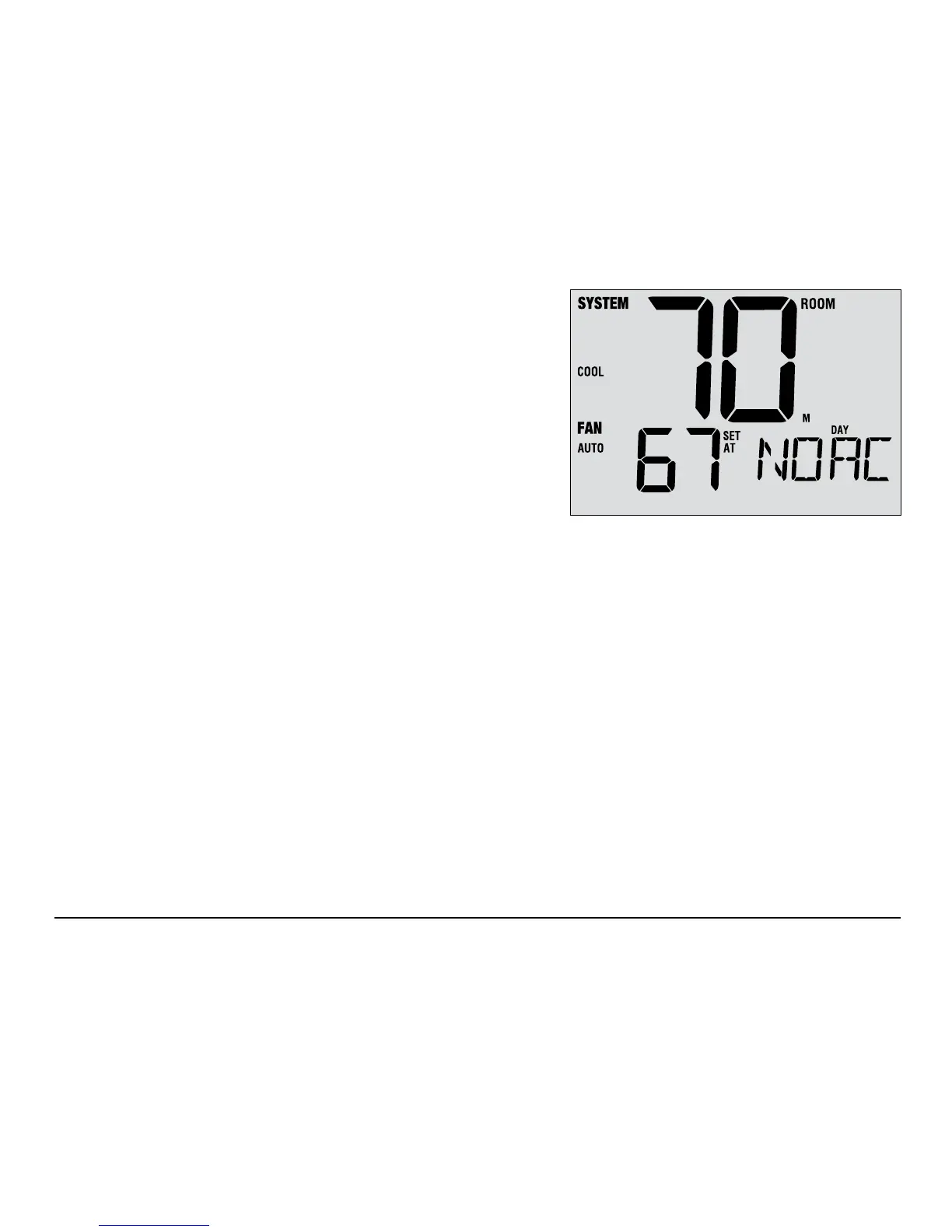
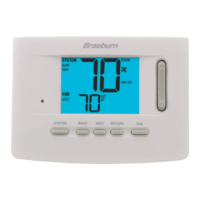
AC Power Monitor
The AC Power Monitor feature is enabled in the Installer
Settings (See Installer Guide). If enabled, this feature will
automatically be present.
If your thermostat was hardwired (power provided from the system
with batteries as a backup) then the AC Power Monitor feature will
indicate when a loss of power to the thermostat has occurred by
displaying NOAC.
Indoor Remote Sensing
Indoor remote sensing is achieved by installing a Braeburn
®
wired or wireless remote indoor sensor and is
configured in the Installer Settings (See Installer Guide).
If a Braeburn indoor remote sensor was installed and properly congured in the Installer Settings, the thermostat
will sense temperature at a remote location or at a combination of a remote location and the thermostat location.
User Manual 34



 To Next Page