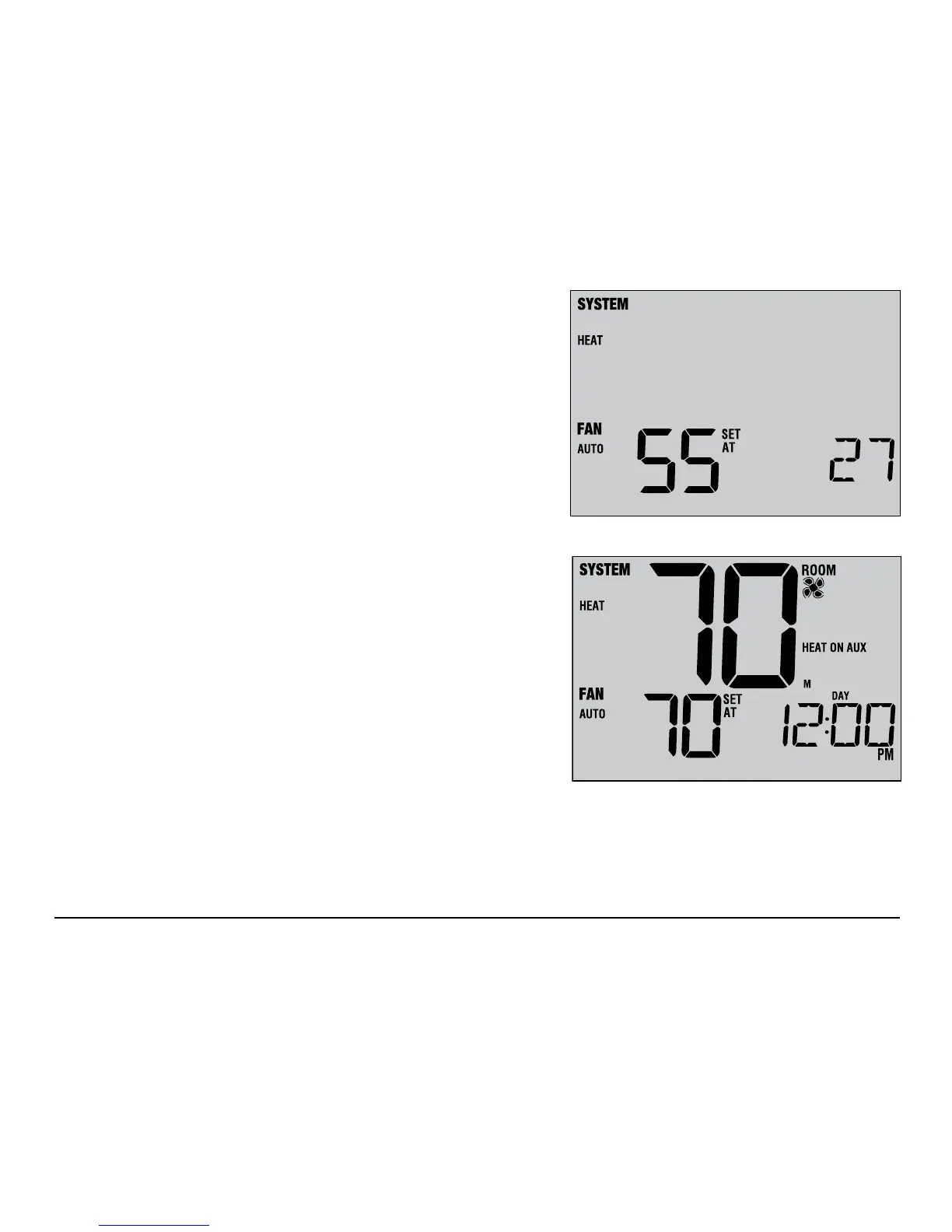
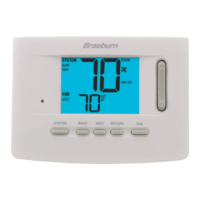
Figure 1
Figure 2
37 User Manual
If humidication and dehumidication are both enabled you will
rst see the current humidity level along with the humidication
set point. Press the SpeedBar
®
up or down to adjust the humidication
set point. Press DAY/TIME and RETURN again to display the
dehumidication
set point. Press the SpeedBar up or down to adjust
the dehumidication
set point (Figure 3). Press RETURN.
NOTE: If Automatic Humidity Control was enabled in the Installer
Options, the humidification set point may be automatically adjusted
to compensate for changes in outdoor temperature.
When there is a call for humidication the word HUMID
will appear in the screen (Figure 4). When there is a call for
dehumidication, the word DEHUMID will appear.
DEHUMID
HUMID
Figure 3
Figure 4



 To Next Page