Multi-Room operation
30 DIGIMIC® wireless
Multi-Room operation
The following chapter describes the operation in autonomous mode with more than one DSpark. Multi
operation mode is also available for slave mode in combination with DCen (wired central unit). The setup
procedure is the same.
With DIGIMIC wireless it is possible to handle parallel operation of different conferences in the immediate
vicinity. To enable a reliable operation each DSpark has to be configured with its own ID. Up to 5 room
channel numbers (0 to 4) are possible.
Note: Room channel number 0 is factory default
Multi-Room operation mode examples
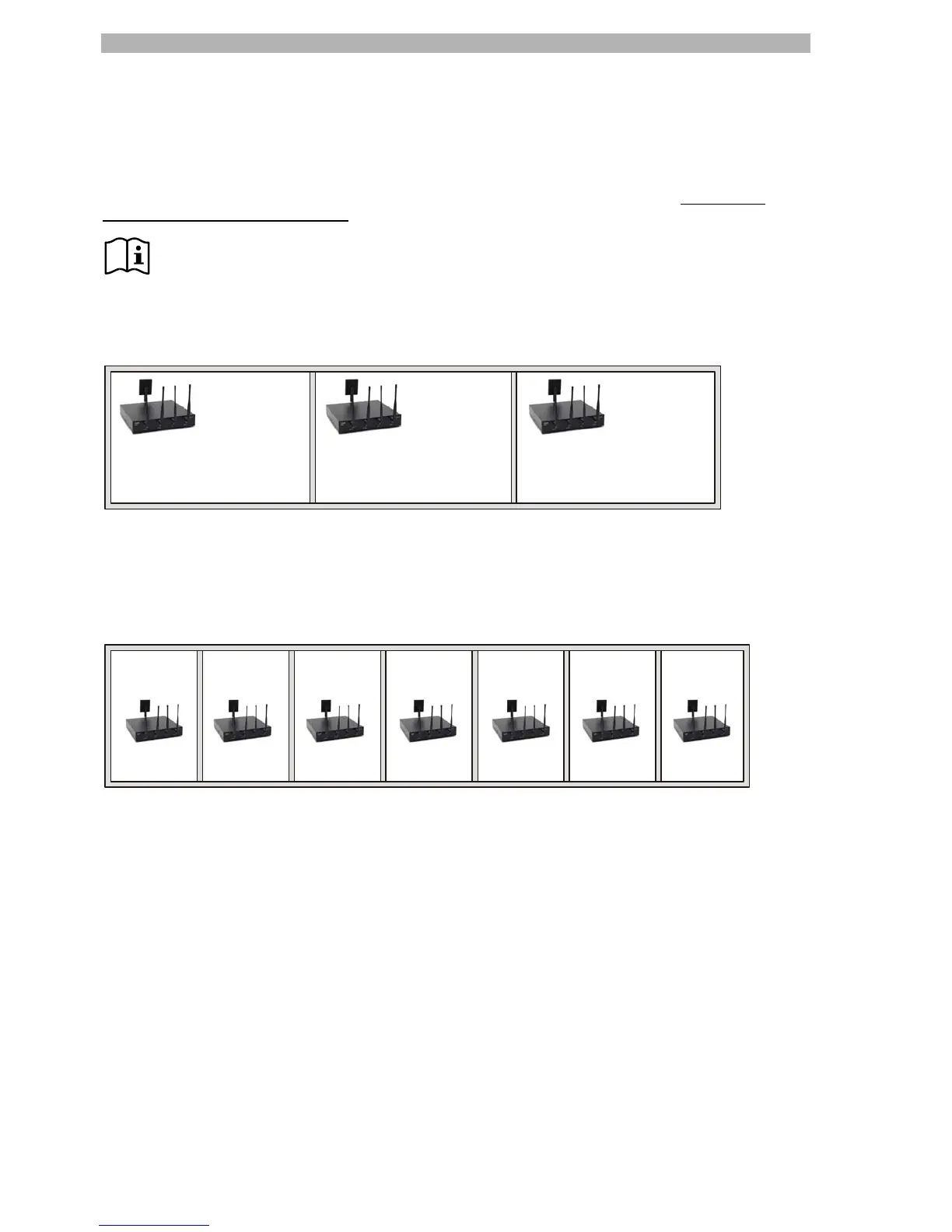
a) Parallel operation with e.g. 3 DIGIMIC wireless systems in three conference rooms:
Room 1 Room 2 Room 3
radio system
number 0
radio system
number 1
radio system
number 2
This sample enables a reliable and autonomous operation.
b) Parallel operation with more than 3 DIGIMIC wireless systems in e.g. seven rooms:
Room 1
radio system
number 0
Room 2
radio system
number 1
Room 3
radio system
number 2
Room 4
radio system
number 3
Room 5
radio system
number 4
Room 6
radio system
number 0
Room 7
radio system
number 1
This constellation enables also a reliable and autonomous operation. Please notice that room 6 has the
same room channel number than room 1. It is essential that there is a greater distance between room 1 and
room 6, and also between room 2 and 7.
Be sure that all REGISTER lists are closed (LED on).


 To Next Page