Using your device
12
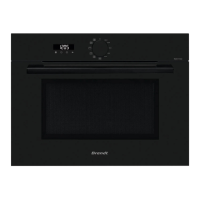
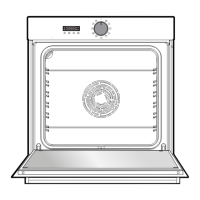
Description of your device Description of your deviceUsing your device
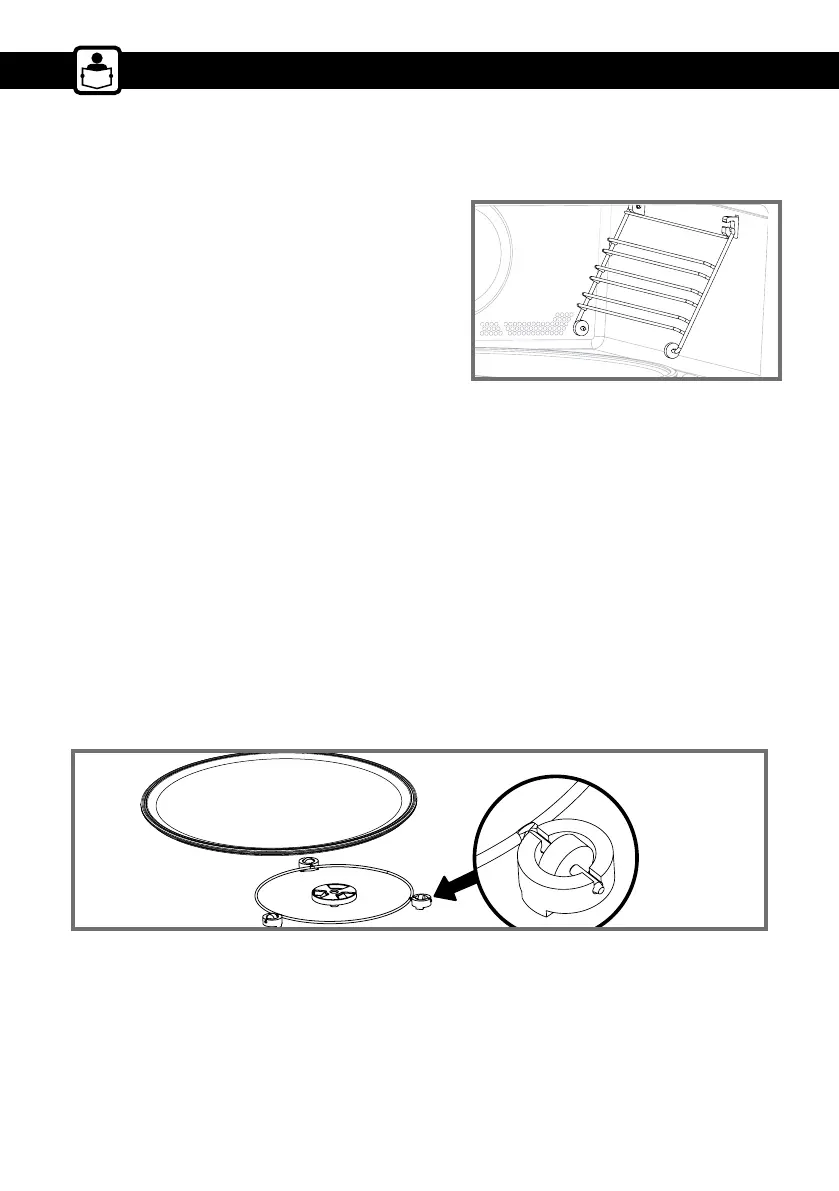
• The turntable plate
The turntable plate allows even cooking of the food without having to handle it.
It rotates in both directions. If it does not rotate, verify that all components are properly positioned.
It can be used as a cooking dish. To remove it, take hold of it by using the access areas in the cavity.
The turntable allows the glass plate to turn.
If you remove the turntable, avoid getting water in the motor shaft hole.
Do not forget to put the turntable, the roller frame and the glass turntable plate back in.
Do not attempt to manually turn the glass plate as this may damage the drive system. If it does not
turn properly, check that there is nothing underneath the plate stopping it from turning.
If the plate is set to the stop position, large dishes can be placed on the entire surface of the oven. In
this case you will need to manually turn the container or mix its contents mid-program.
ACCESSORIES
• The shelf runners
2 shelf supports allow you to use the rack at 3
heights.


 To Next Page
 Loading...