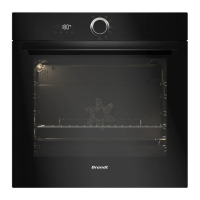
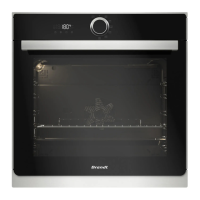
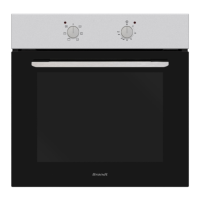
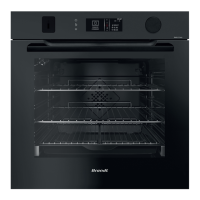
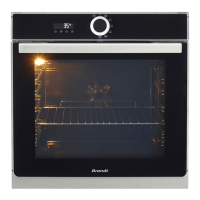
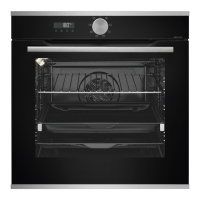
Using your deviceDescription of your device Description of your device
13
Using your device
13
SETTINGS
Press the
the symbol appears. The timer ashes.
Set the timer with the + and - keys. Press the to conrm, the countdown starts. When the time has
elapsed, a signal sounds. To stop it, press any key.
The time will reappear in the display.
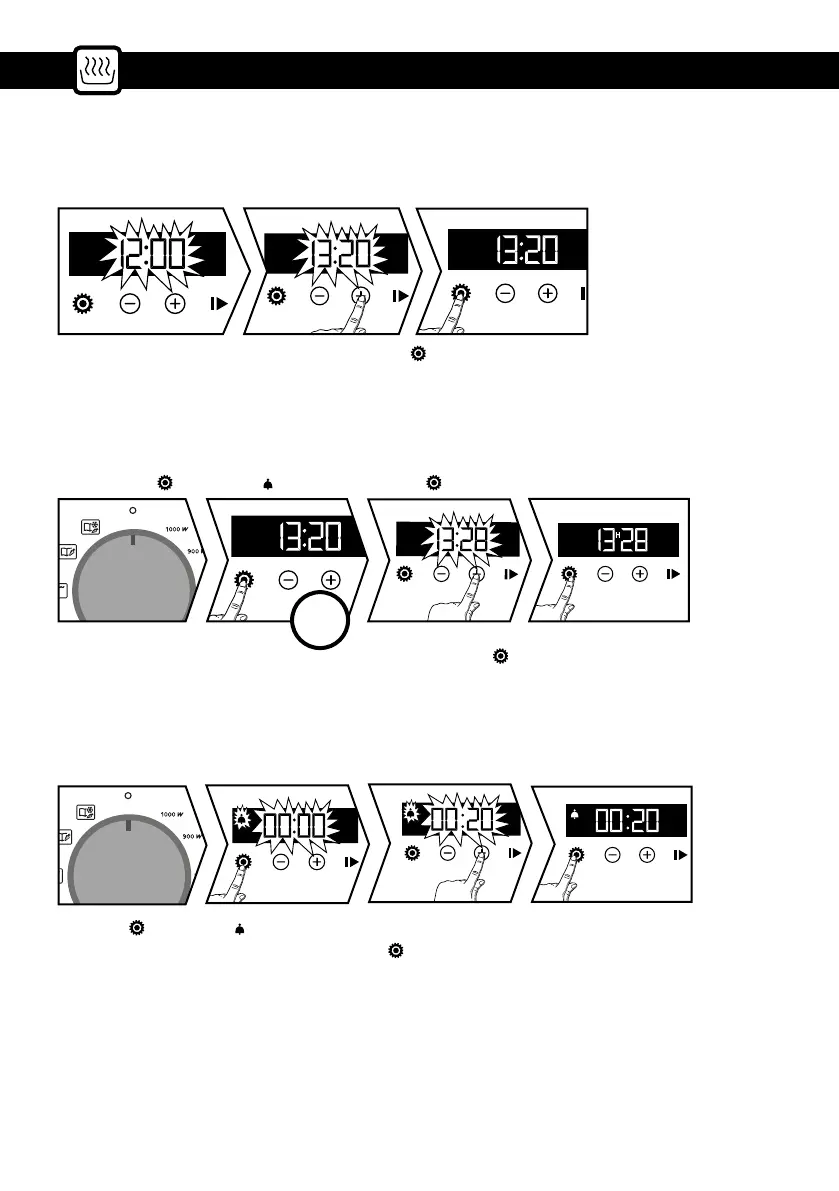
• Time setting
• Changing the time
• Timer
On power-up the display ashes at 12:00.
The function selector must be in position 0.
Press the key
the symbol appears press again .
Set the time with the + or - key. Conrm with the
. In the event of a power failure the time will ash.
Note: You can change or cancel the timer setting at any time. To cancel go back to the timer menu and
set to 00:00.
This function can only be used when the oven is switched o.
Adjust the time setting with the + or - key. Conrm with the
. The recording of the adjusted time is
automatic after a few seconds.
X2


 To Next Page