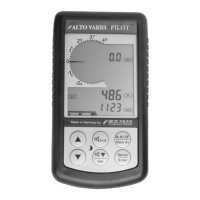
2.1.1 Altimeter Alt1, absolute altitude
Shifting between display screens Alt1 and Alt2 is effected by shortly
pressing the Alt1/Alt2 key.
Altitude display Alt1 indicates always the absolute pressure altitude above sea level.
After switch-on the altimeter ALT1 is automatically adjusted to GPS altitude by the instrument.
After switch-on the display is flashing until the GPS-receiver has calculated a precise
altitude for adjustment.
Units m / ft. - re-setting: see Menu
Instrument settings
Units
2.1.1.1 Manual setting of altimeter Alt1
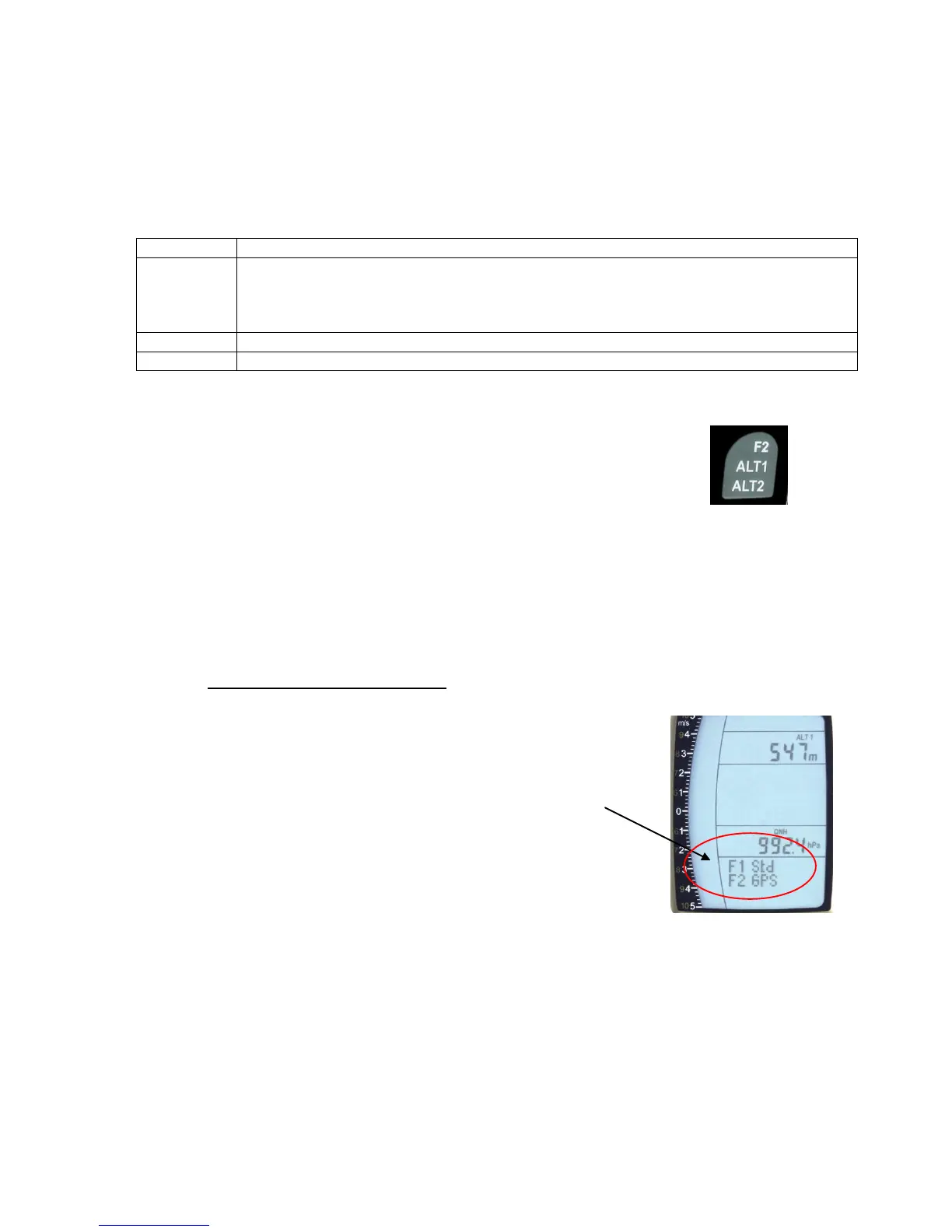
Set mode A1 of altimeter is called-up by long pressure on the
ALT1 key. The possible settings are shown in the information
field.
By brief pressure on one arrow key the readout value can be
adjusted meter by meter. Under keystroke the display shall be
changed automatically until the key is released.
Due to this adjustment the QNH display is also altered.
Adopt GPS altitude with F2 key
By brief pressure on the F2 key it is possible to adopt the GPS
altitude. Please consider that the GPS-receiver does not always provide
the reliable altitude value! In case of poor Satellite constellation or bad
reception, altitude deviation of +/- 50 m will occur!
Setting altitude to pressure standard 1013hPa with F1 key
By brief pressure on the F1 key the altitude is set to 1013hPa (Flightlevel).
Tip: If the user does not know the altitude of his present location, he may operate
the QNH field and, using the arrow keys, by changing the altitude value until it matches
the actual QNH as per weather forecast or indication issued by air traffic management.


 To Next Page