Operation Manual IQ-BASIC-GPS 6
Bräuniger GmbH
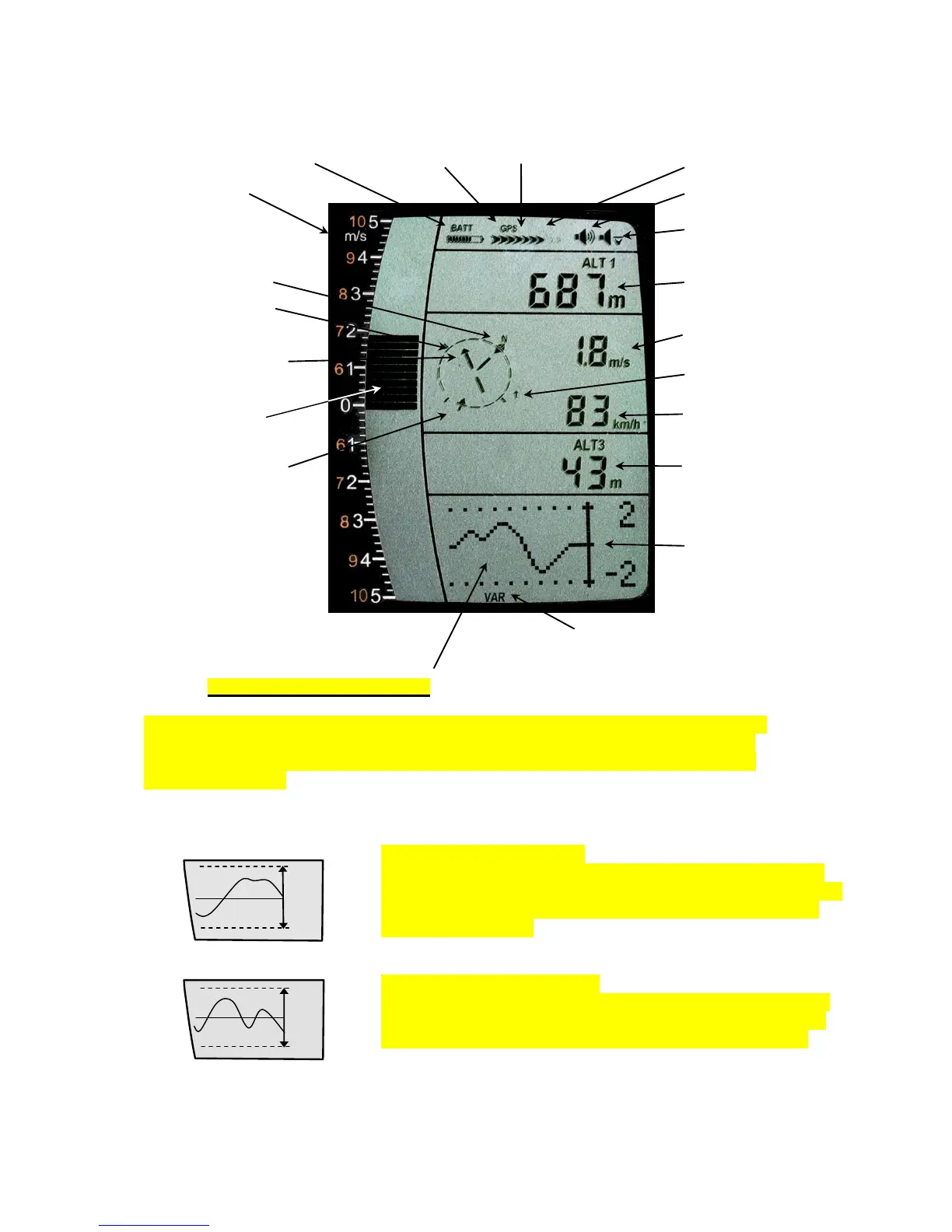
1.5 Display screen
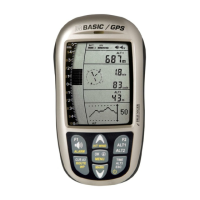
1.5.1.1 Graphics / data fields display
In normal flight mode it is possible to shift the graph page by short pressure on the keys
▲UP or ▼DOWN. The number of the current page is indicated on the display bottom.
Sequence: ALT, VAR, 1, 2, 3, 4, 5. After switch-on the page of altitude graphics (ALT)
is always displayed.
Altimeter Graphics display
In this graph is illustrated the course of altitude during the past
36 seconds. If the altitude difference is more than 50m, the scale
is automatically adapted. The height scale is displayed on the
right side. (50 /100m)
Variometer Graphics display
In this graph page is illustrated the course of Variometer during
the past 36 seconds. The scale is automatically adapted to the
flight track. The scale values are displayed on the right side.


 To Next Page